
Open PDF to PowerPoint, upload your PDF and choose which pages to convert. Download the PPTX, then review and adapt the slides in a presentation editor.
Load the source PDF
Add your PDF or choose the sample. A PDF exported from a document usually offers more reusable text than a scanned page.
Think about the audience before converting: a detailed report page may be too dense for a projected slide, even when its conversion is accurate.
Set the page range and convert
Leave Pages blank to include the whole PDF, or enter a range such as 1-3, 5. The example uses all four pages.
Choose Start and download the PPTX when it is ready. The selected pages become slides in the exported presentation.
Check the slide content and layout
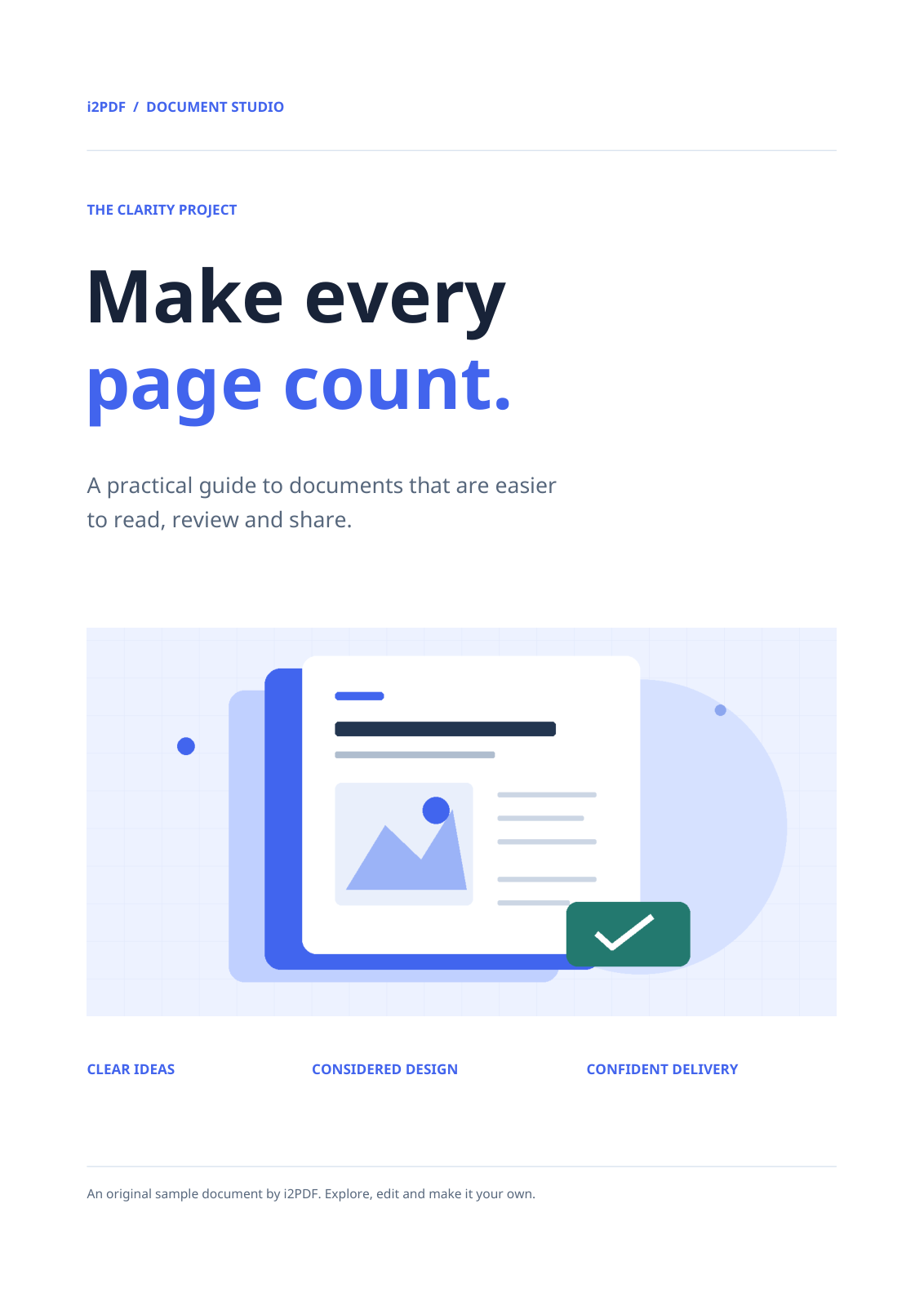
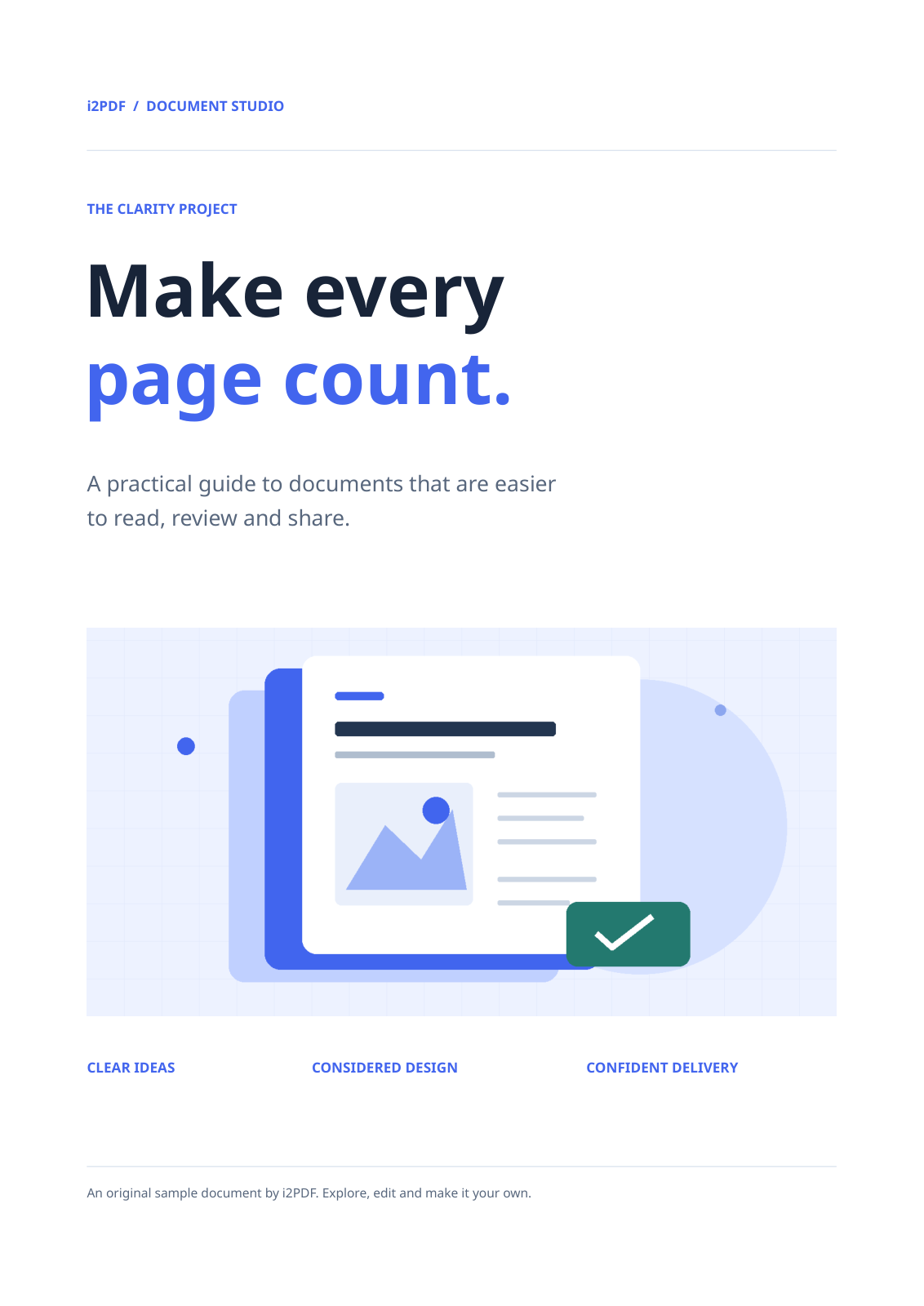
Open the PPTX in your presentation editor. Our verified file has four slides and contains editable text objects. The first slide is shown beside the source page.
Check slide order, font substitution, images and objects near the edges. Inspect text boxes separately: a PDF line or block may become its own object. If the source is portrait, plan how to rearrange the content before changing the deck to widescreen.
Common questions
Does converting a scanned page make its text editable?
Do not assume so. A scan can remain image content inside the slide. Use PDF OCR if you need recognized text to rewrite or copy into your presentation.
Can I save the revised slides back to PDF?
Yes. Save your edited presentation and use PowerPoint to PDF when you need a static copy for reading or printing.
Try it with your document
Review the result, then save the version you need.