

Use PDF to QR Code with the web address of a PDF that is already hosted. The QR code stores that address. Our downloaded PNG was independently decoded and matched the source PDF URL exactly.
Prepare an accessible PDF link
Place your PDF on a website or file-sharing service and obtain its intended viewing link. Open the link as a recipient would, including any sign-in or access restrictions.
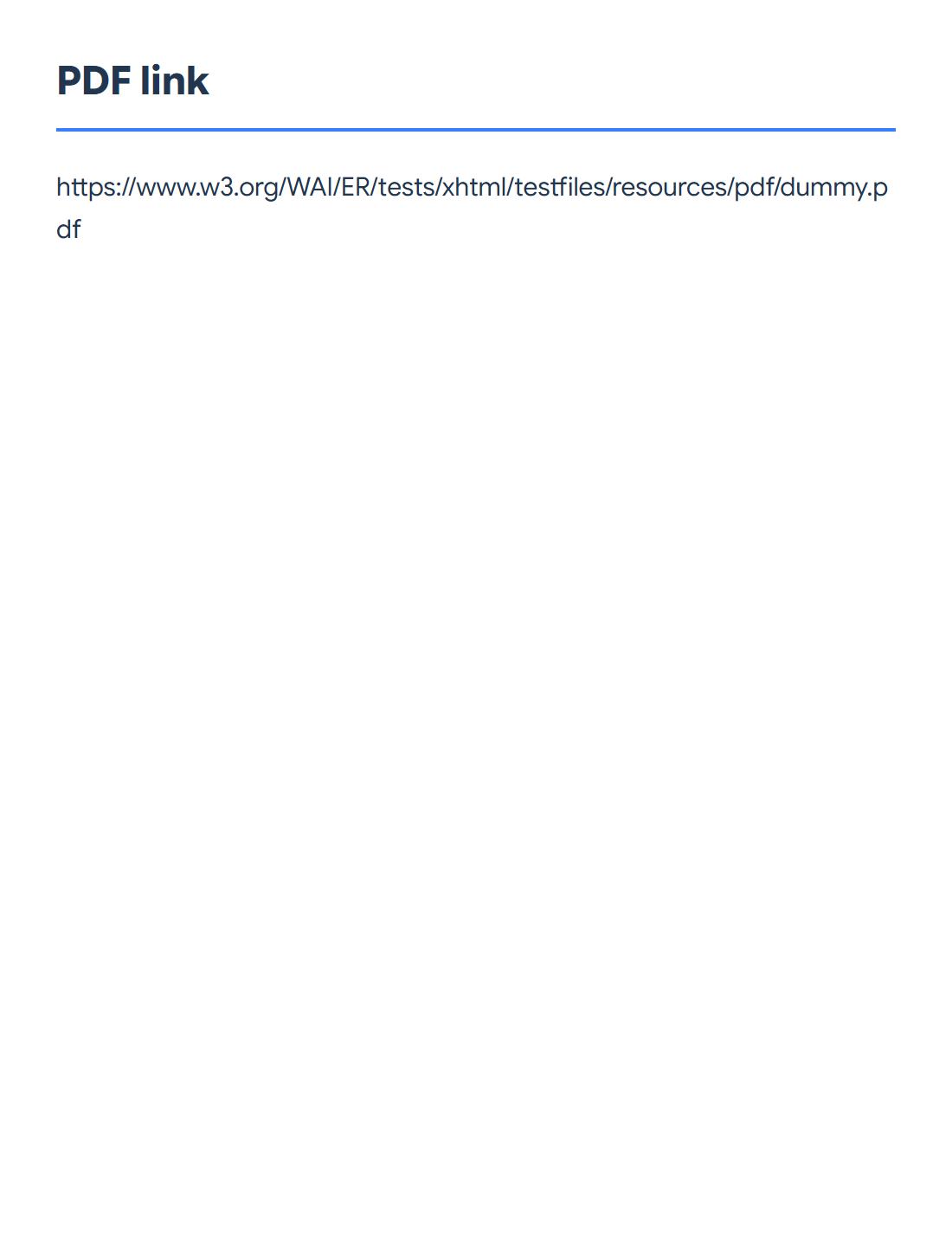
Paste the complete address into the tool. This example uses the public W3C sample PDF URL shown in the comparison. Use your own hosted document’s link for your final code.
Choose a format and dark color
Keep PNG for a convenient image download. The available formats also include JPG, SVG, text and PDF; choose one that fits where the code will be used.
The example uses the dark color #172554 on white. Keep strong contrast and the clear border around the code. Choose Start and save the result.
Scan the final version and check access
Scan the downloaded code with a phone or QR reader and confirm that it opens the correct PDF. If you place it in a design or print it, scan that final version too. Avoid stretching, clipping or covering part of the code.
Keep the hosted link working for as long as the code is in use. Access permissions still apply: creating a QR code does not make a private document public or host the PDF for you.
Common questions
Is the PDF stored inside the QR code?
No. This tool encodes the PDF’s web address. The reader follows that address to retrieve the document.
Can I change the PDF after printing the code?
If your hosting service lets you replace the PDF while preserving the exact same working URL, the code can continue to use that URL. If the URL changes, generate and distribute a new code.
Try it with your document
Review the result, then save the version you need.