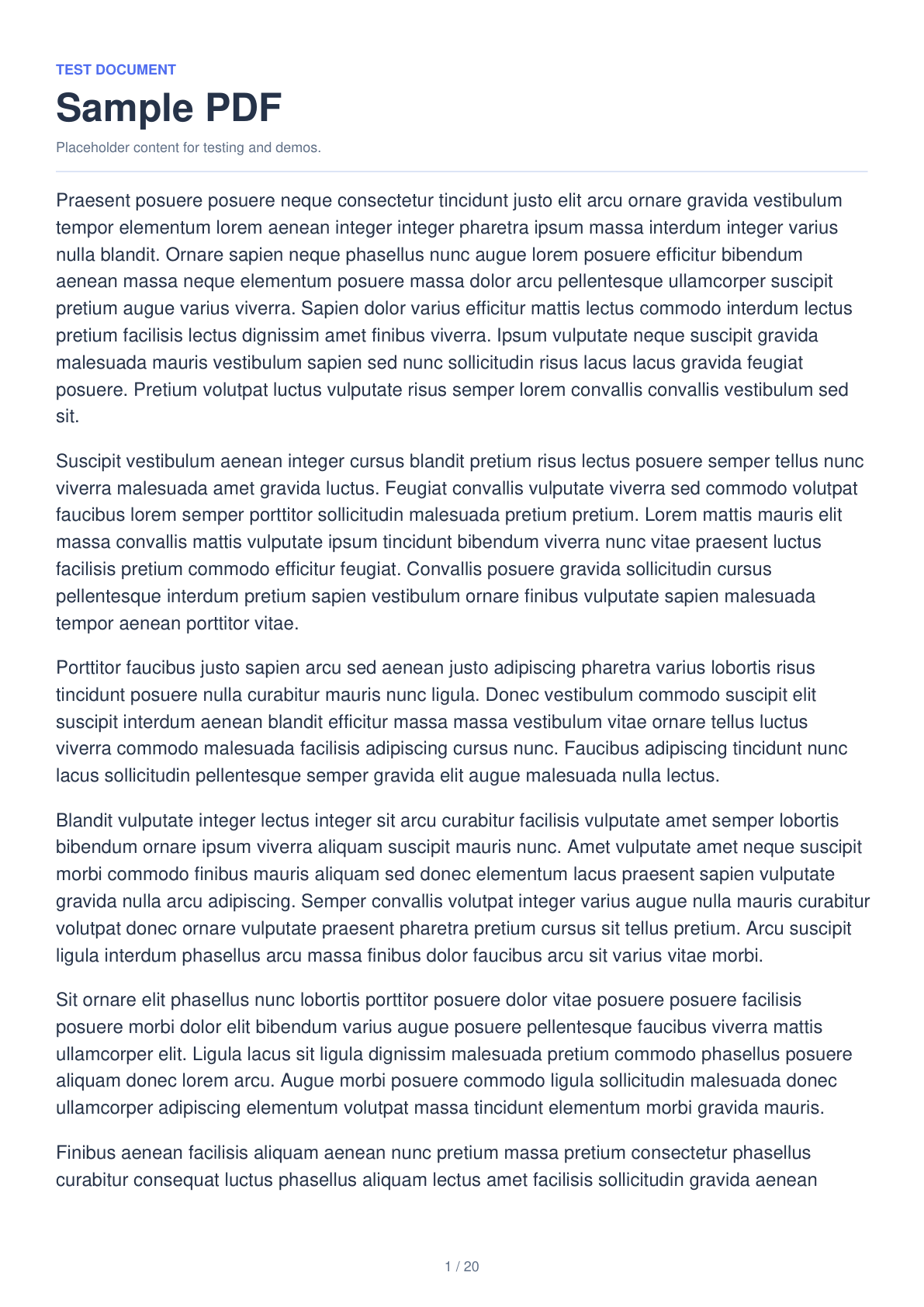
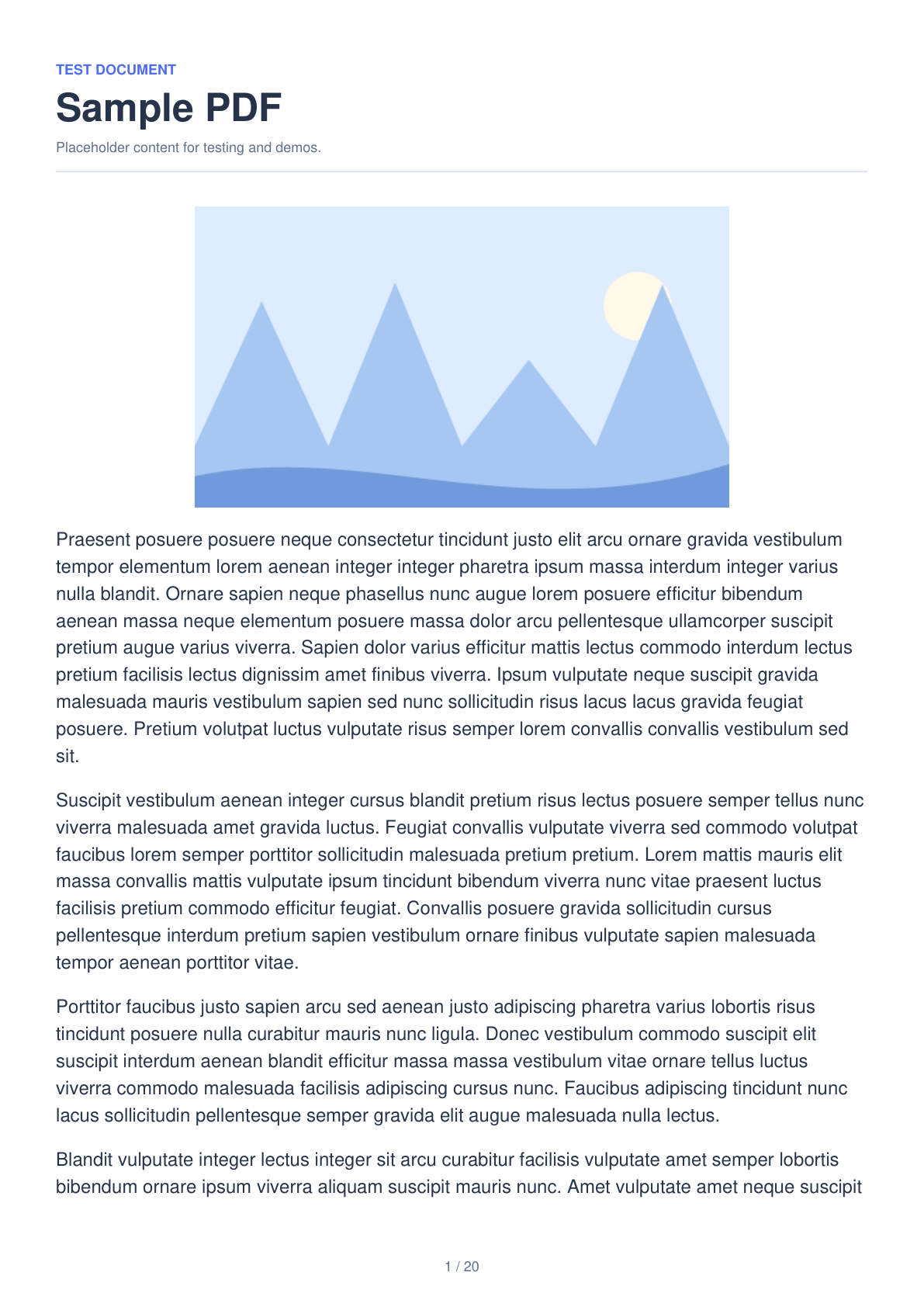

A test PDF is useful when you want to check an upload form, demonstrate a viewer or try a page operation without using personal documents. This example creates a 20-page A4 PDF with randomized placeholder text, a different illustration on each page and page numbers. The comparison shows actual exports of Text only and Text & image; no source document is uploaded.
Start without uploading a document
Open Sample PDF Generator and choose Create sample PDF. It starts with five mixed-content pages. Choose Try 20 pages if you want to follow this multipage example immediately.
The PDF is created inside your browser from built-in content. You do not need to find a document, provide personal information or upload a file.
Choose pages, content and layout
Set Page count to 20 and choose Text & image. Keep A4, Portrait, a Font size of 12 pt and Show page numbers enabled to match this example. You can also choose A5, US Letter or US Legal, landscape orientation and a font size from 8 to 24 pt.
Text only produces searchable, selectable text. Text & image adds an embedded illustration to each page. Random paragraphs and varied illustrations make pages look different. Use the page arrows to review the result, or New random content to create another set without changing your layout settings.
On a phone, open Settings to adjust the page count and layout while the preview remains visible above the panel. The viewer previews the selected page; Generate PDF creates all the requested pages.
Generate, download and use the PDF
Choose Generate PDF, then tap Download on the result screen. In this example, the file is named sample-20-pages.pdf. The PDF has 20 numbered A4 portrait pages, real text and an embedded image on each page.
Use it to test an upload form or viewer, inspect thumbnails, print a page or try merging, splitting and page numbering. You can select, search or extract the PDF text. The placeholder text is randomized Latin content with English headings, regardless of the interface language.
To try a different layout, return with Adjust settings and generate another PDF. Each document keeps its content consistent between preview and export until you choose New random content or start another sample.
Common questions
Can I test uploads without a personal PDF?
Yes. The generated document uses built-in placeholder content and illustrations. No source file is required.
Are the words and images the same on every page?
No. Randomized paragraphs and page-specific generated illustrations vary across the document. New random content creates another set with the same layout settings.
Does it support text extraction?
Yes. The PDF contains real selectable text. Mixed-content pages also contain a real embedded image; the page is not flattened into one screenshot.
Can I create a PDF of exactly 5 MB?
No. You can choose the page count and content, but the output size is not guaranteed. Check the downloaded file size when testing an upload limit.
Create a useful test document.
Choose a few pages for a quick check or a longer sample for a multipage workflow.