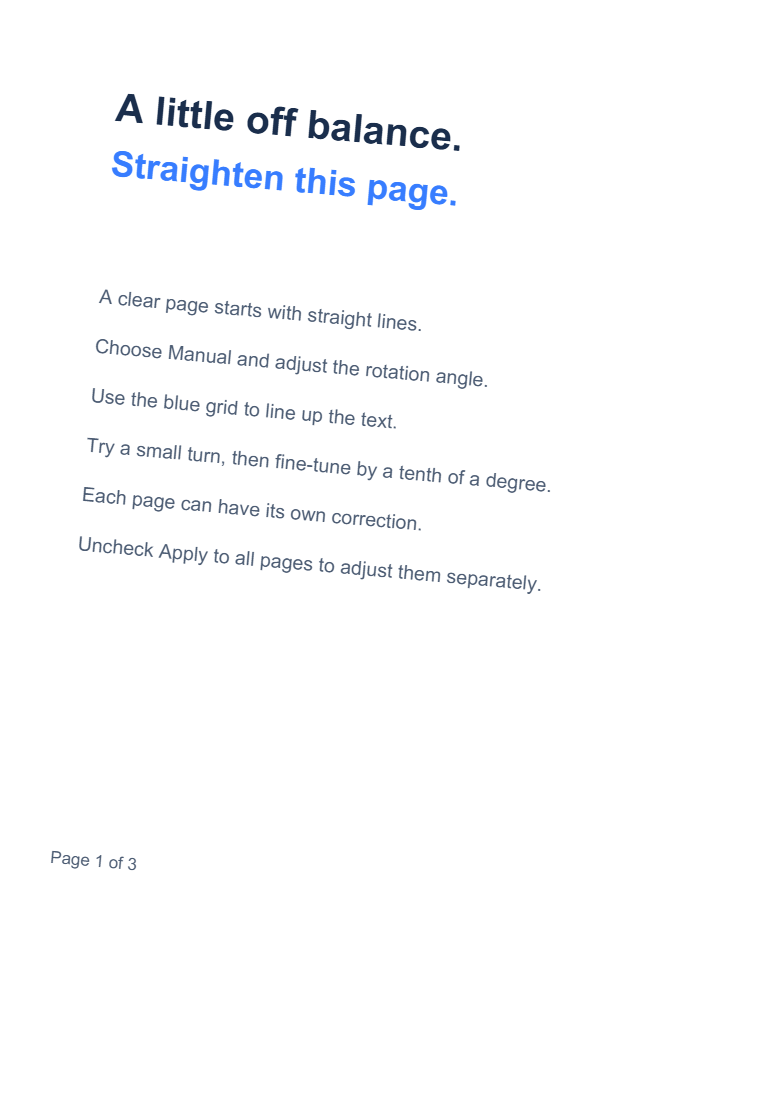
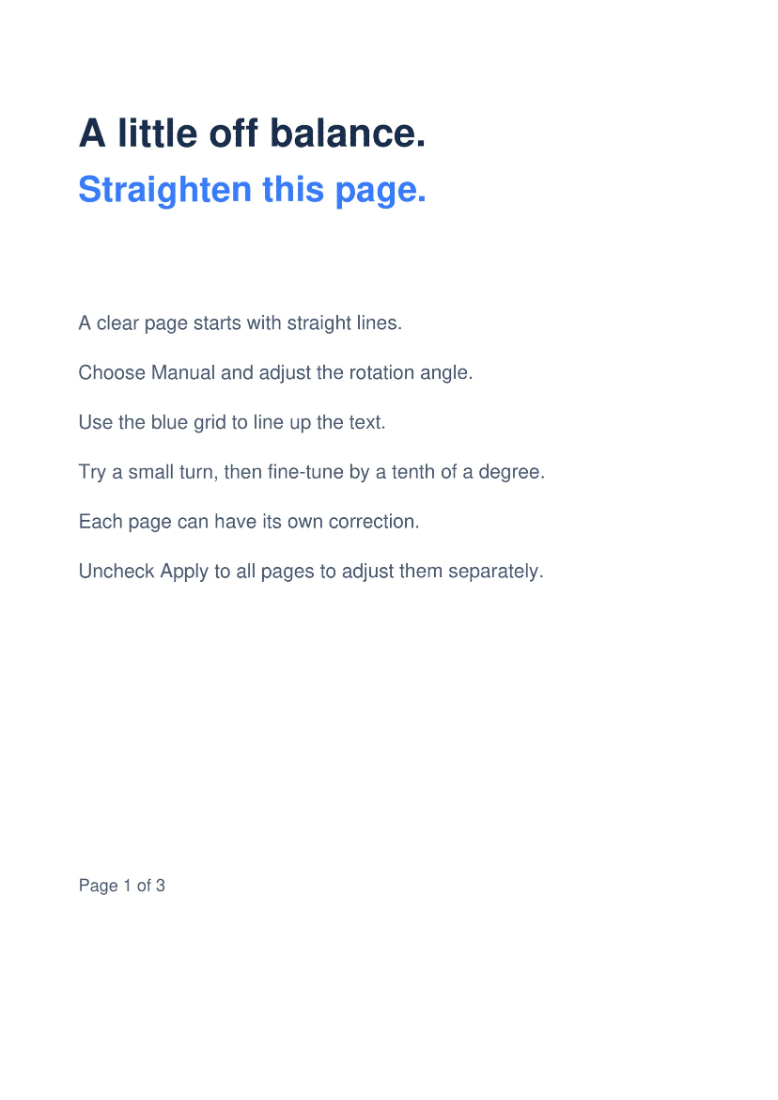

Open Deskew PDF, add your document and choose automatic correction or a manual angle. Our example uses Automatic on a three-page sample with visibly tilted text.
Open the PDF and choose a method
Upload your PDF or choose the sample. The tool opens in Manual mode with a zero-degree angle. For the demonstrated result, choose Automatic, then use Start to let the tool estimate each page’s correction.
Review every page after automatic correction. Pages with very little text, decorative layouts or several text directions can need a manual adjustment.
Choose a PDF up to 50 MB and 200 pages.
Use manual correction when needed
Choose Manual to use the live preview. Enter a value in Rotation angle or move the slider; positive values rotate clockwise and negative values rotate counterclockwise. The range is −90° to +90°.
The arrow buttons adjust by 0.1°; Shift-click changes the angle by 1°. Use Show alignment grid to line up the text and Show original preview to compare. The grid is only a guide and is not exported.
Apply to all pages starts checked for manual edits. Uncheck it before adjusting pages with different tilts. Rechecking it copies the current page’s angle to all pages, so review that choice before exporting.
Download and check the corrected pages
After setting a manual correction, choose Start and download the result. In the automatic example, the output still has three pages, with the first page visibly straightened.
Check the smallest text, page edges and alignment on each saved page. Output uses 200 DPI and consists of images, including pages that needed no rotation; the original selectable text layer is not retained.
Common questions
Should I use Deskew PDF for a page that is simply sideways?
For a whole page that needs a standard 90°, 180° or 270° turn, use Rotate PDF. Deskew is useful for fine alignment and produces image-based pages.
Why did the file size increase?
Deskew renders the pages at 200 DPI. A compact text-based original can become larger after its content is stored as images. Judge readability and file size together before sharing.
Try it with your document
Review the result, then save the version you need.