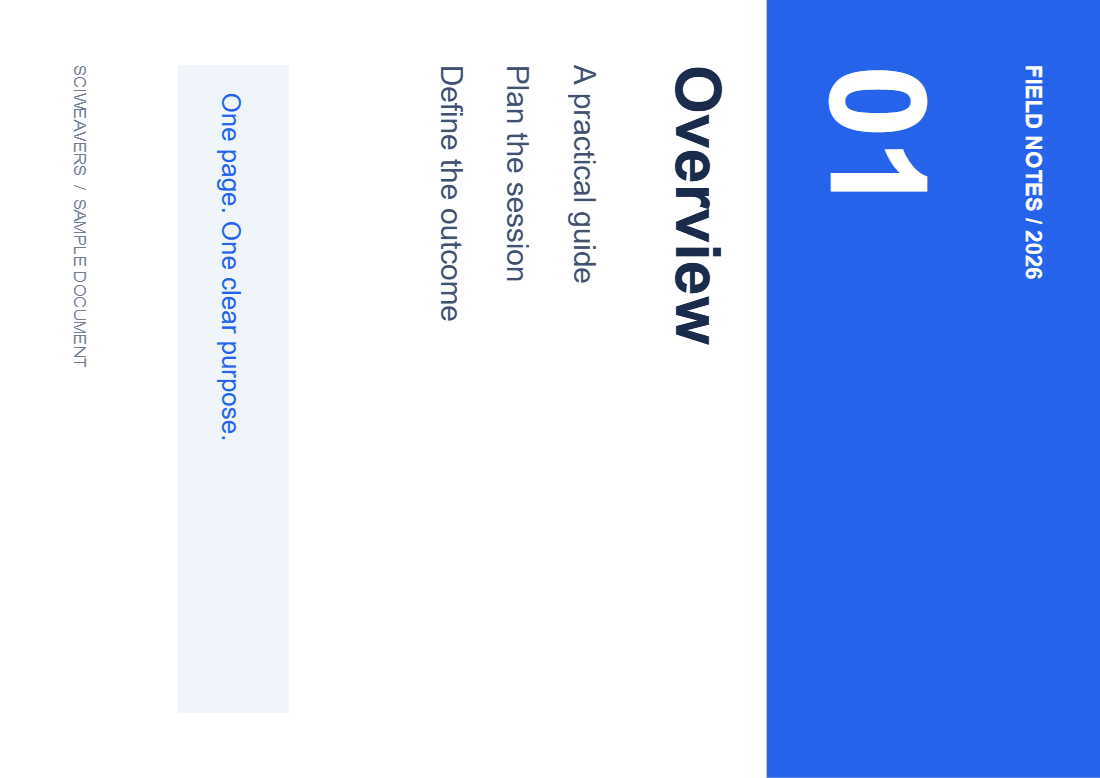
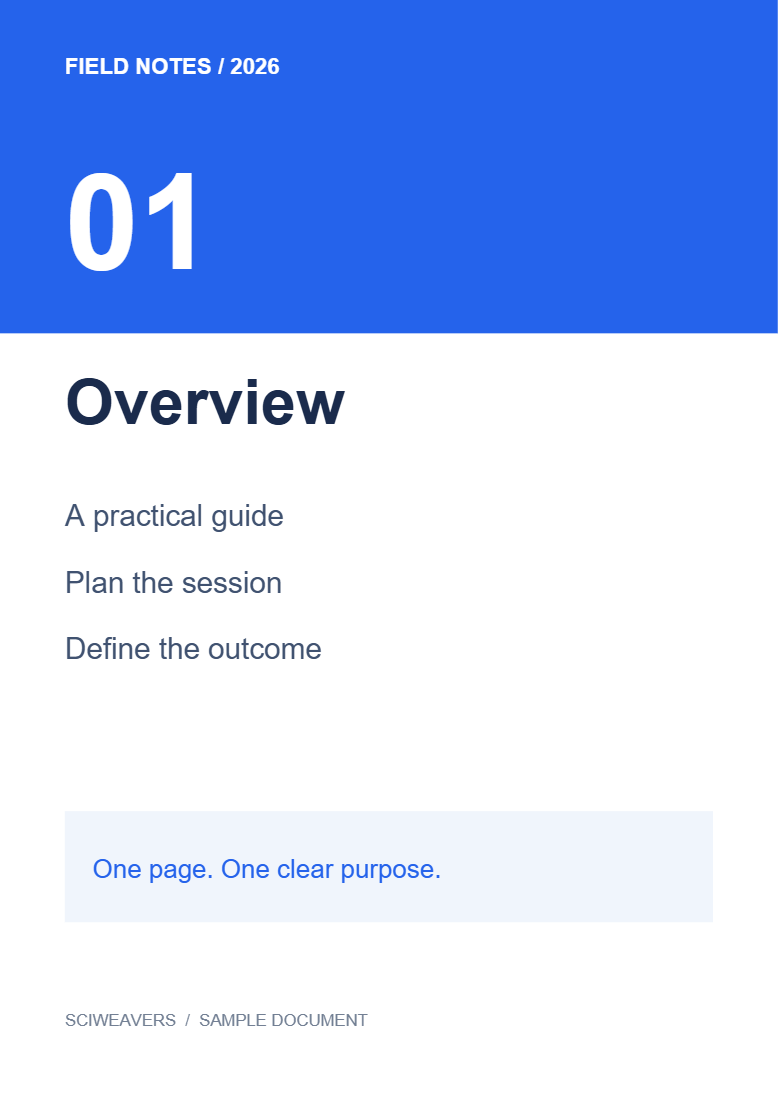

Open Rotate PDF, load your document and choose a clockwise angle. Our example starts with one page turned 90° clockwise; applying 270° brings it upright.
Load the PDF and find the problem
Choose your PDF or try the sample. Select a page thumbnail to see its current orientation. Look at the text rather than the paper shape: a landscape page can already be correct.
Choose the clockwise angle
Under Rotation, choose 90° for a quarter-turn clockwise, 180° for an upside-down page, or 270° for a quarter-turn counterclockwise. Angles are measured from the original orientation; clicking 90° twice does not accumulate two turns.
For the example, choose 270°. The 0° option restores the original orientation.
Apply the angle to the right pages
Leave Apply to all pages enabled only if every page needs the same correction. Otherwise turn it off, choose the affected thumbnail and set its angle.
For a group, expand Apply this angle to specific pages, enter a range such as 2-4, 7, and choose Apply angle to pages. Turning the all-pages option back on replaces individual angles with the currently selected angle.
Save and check the result
Choose Start, then download the result. Open the saved file and check both corrected and already upright pages. Our output keeps the original searchable text and contains the same single page.
Common questions
Does rotation convert the pages to images?
This tool updates PDF page rotation in your browser; it does not rasterize each page.
Can I rotate only odd or even pages?
Yes. Turn off the all-pages option, open the range controls and use the odd or even shortcut before applying the angle.
Try it with your document
Review the result, then save the version you need.