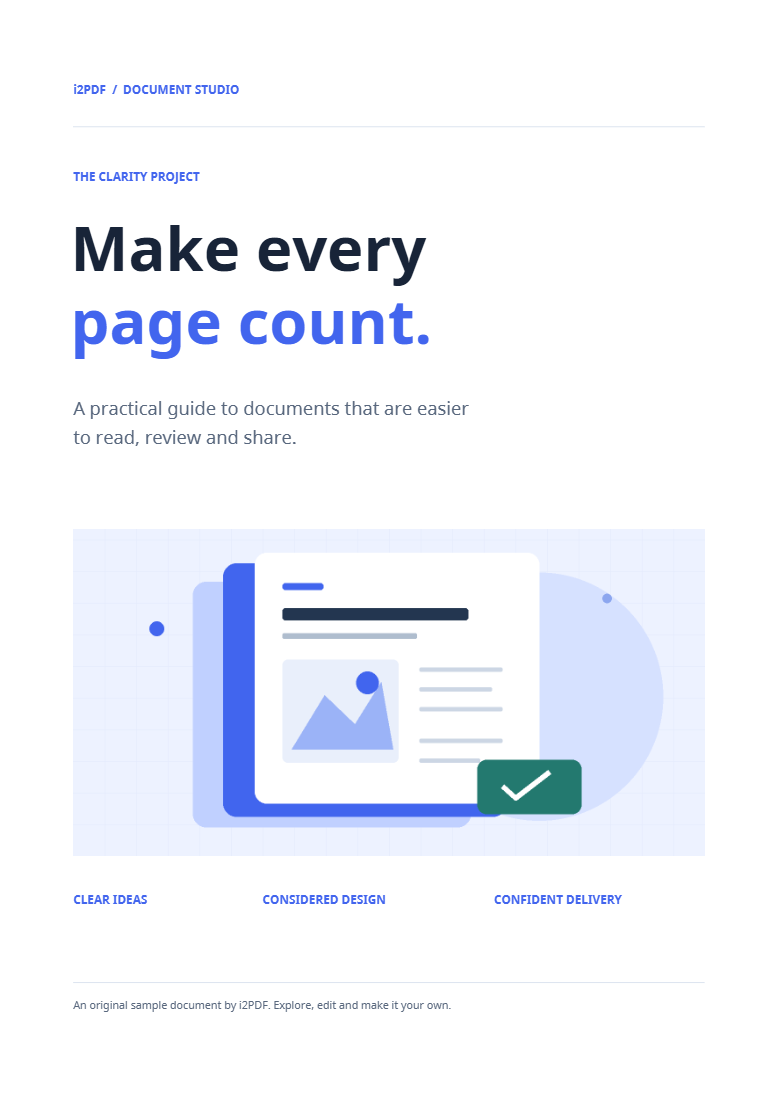
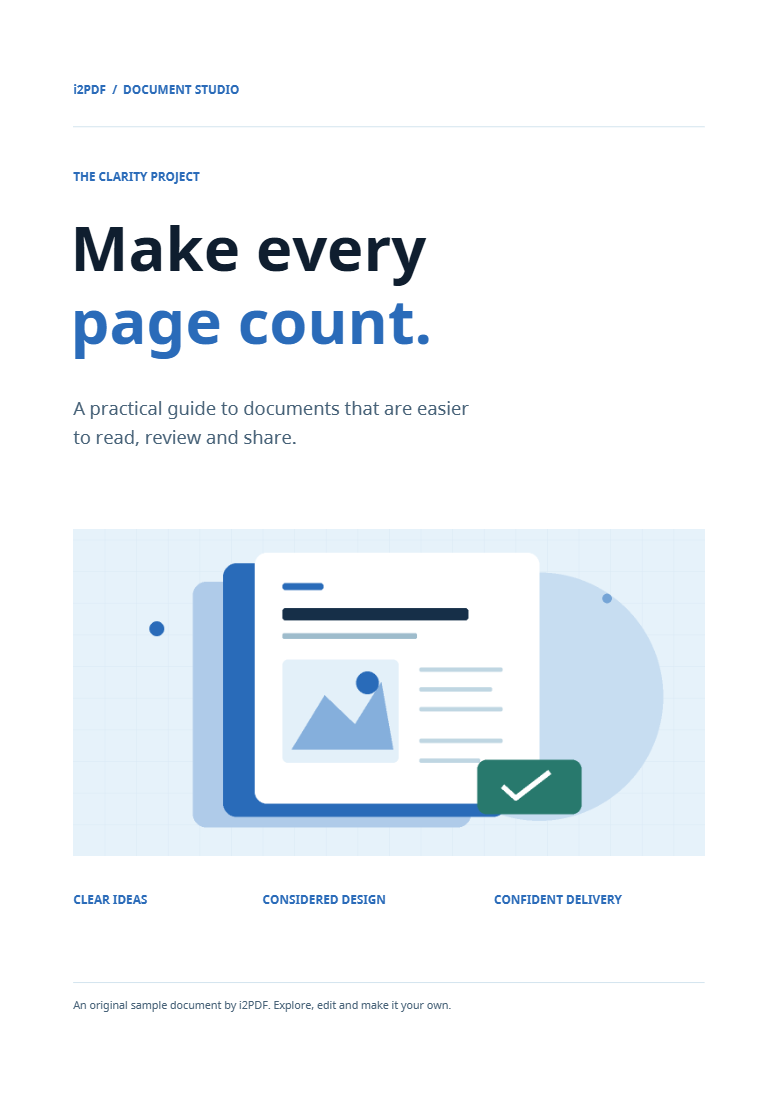

Open PDF to CMYK, upload the PDF and select the printing profile requested for the job. The example uses the default Coated Fogra39L VIGC 300 profile and exports a standard CMYK PDF.
Load the PDF and select a printing profile
Add the PDF or choose the sample. Under Printing profile, select the profile specified for your print job. Do not assume the default profile fits every paper and press.
Our example keeps Coated Fogra39L VIGC 300. Under PDF output, it uses Standard CMYK PDF. The other choice is labeled PDF/X-4 · not validated; selecting it is not an independent PDF/X certification.
Review conversion and black settings
Open Colour & black settings when you need more control. The verified example uses Relative colorimetric, with Black point compensation and Keep solid black text & vectors enabled.
Keep-solid-black handling targets explicit RGB black in text and vector paints; it is not a promise to alter every dark pixel or every color definition. Under Spot colours, choose Keep spot colours or Convert to process colours according to the job. Our example retains the default of keeping spots.
Preview a page, then export the document
Use Preview colours to inspect the current page before committing to the conversion. Review the composite and available ink-channel views. Recheck the preview after changing the profile or color settings.
The preview covers the current page. Choose Start to convert the whole document and download the PDF. Our four-page source produces a four-page output with the selected four-component color profile embedded.
Inspect the saved file and print checks
Open the downloaded PDF and compare text, images and fine detail with the original. Expand Print checks in the result to review the tool’s inspection information.
For a production print job, compare these checks with the receiving printer’s requirements. A screen preview and structural inspection cannot establish that every color will match a particular press and paper.
Common questions
Why is the converted PDF larger?
The selected ICC profile is embedded, and the PDF is rewritten. The example grows from about 82 KB to 8.02 MB while retaining four pages. Color conversion is not a compression workflow.
Can I use the same output for screens?
You can view it, but a print-oriented conversion serves a different color requirement. If you need a separate screen version, use PDF to RGB and review that result too.
Try it with your document
Review the result, then save the version you need.