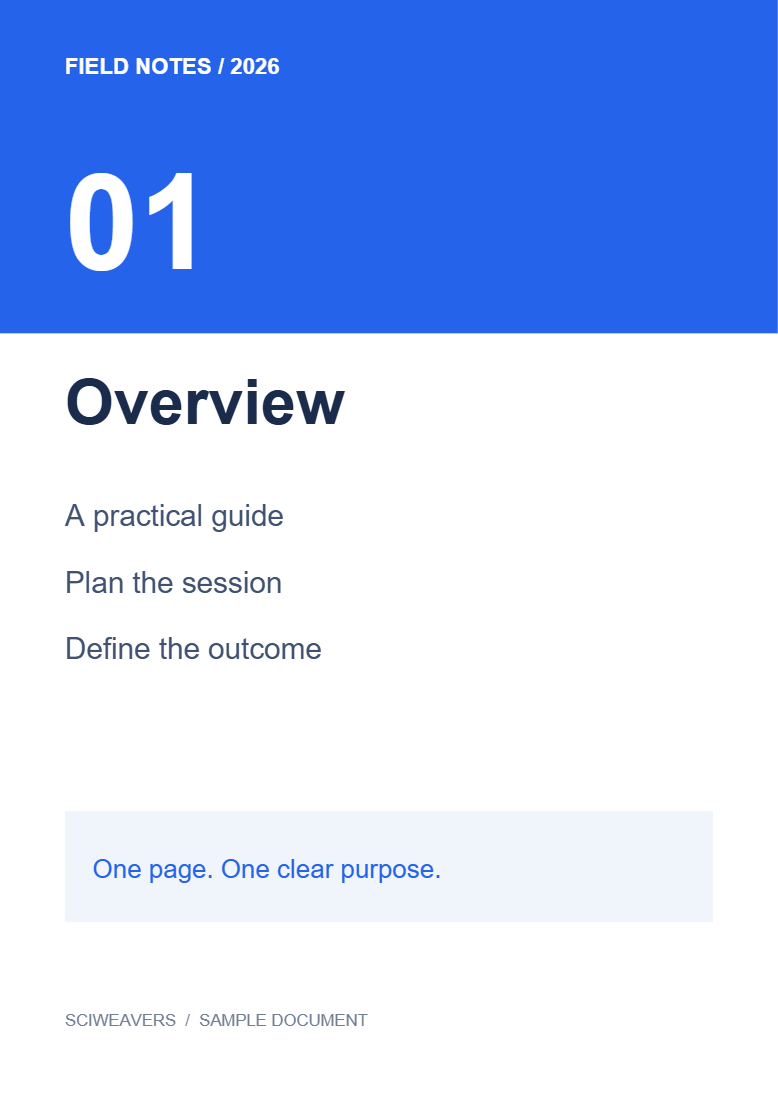
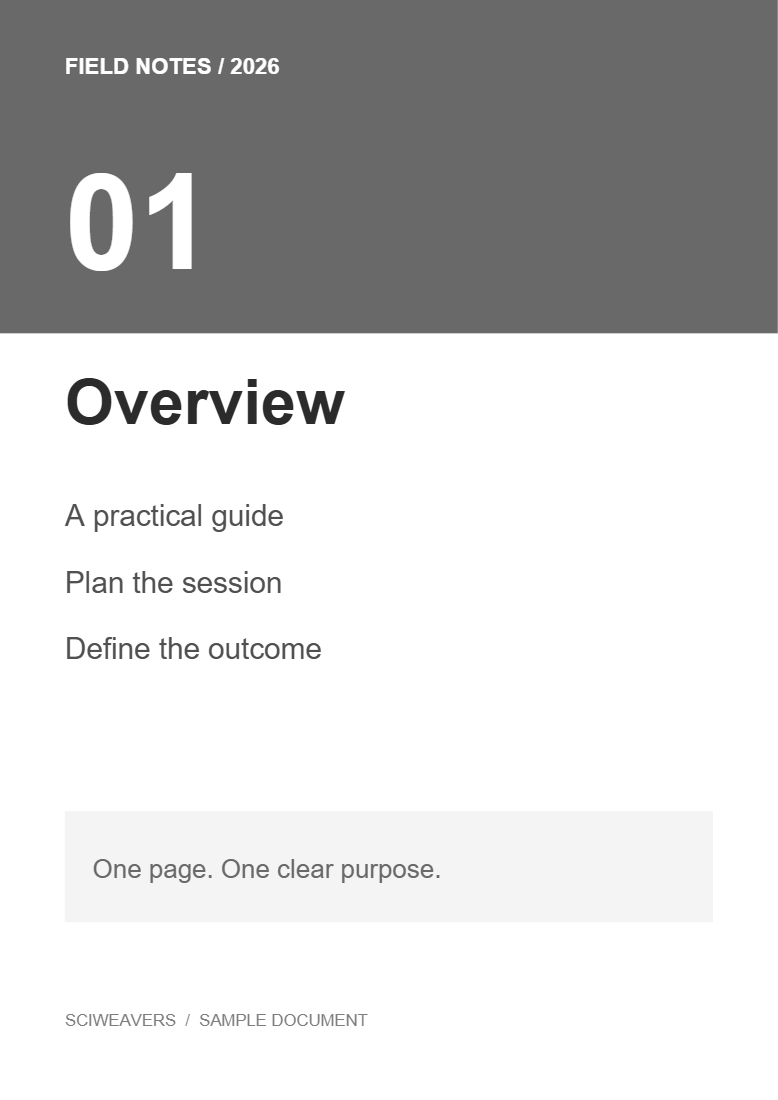

Open PDF to Grayscale, choose your file and export. Our example converts two colored pages to gray while retaining their text.
Choose the color document
Load the PDF and inspect colored text, backgrounds and charts. Note where different colors distinguish categories or priorities: those distinctions need to remain understandable in gray.
Choose which pages to include
Leave Pages to process blank to convert the whole file. Our example includes both pages. If you enter a range, review the selected output pages and order.
Convert and review the result
Choose Start and download. Open the saved PDF and compare pale text, colored headings and adjacent chart segments with the original.
Our two-page output preserves extracted text. If two colors become almost the same gray, add labels or change the source design before relying on a black-and-white print.
Common questions
Can I keep some color on the converted page?
This tool converts the selected pages to grayscale as a whole. For custom foreground and background colors, use Color PDF.
How can I improve a faint scan?
Use Contrast PDF or Enhance Scanned PDF and review the result. Removing color alone may not improve readability.
Try it with your document
Review the result, then save the version you need.