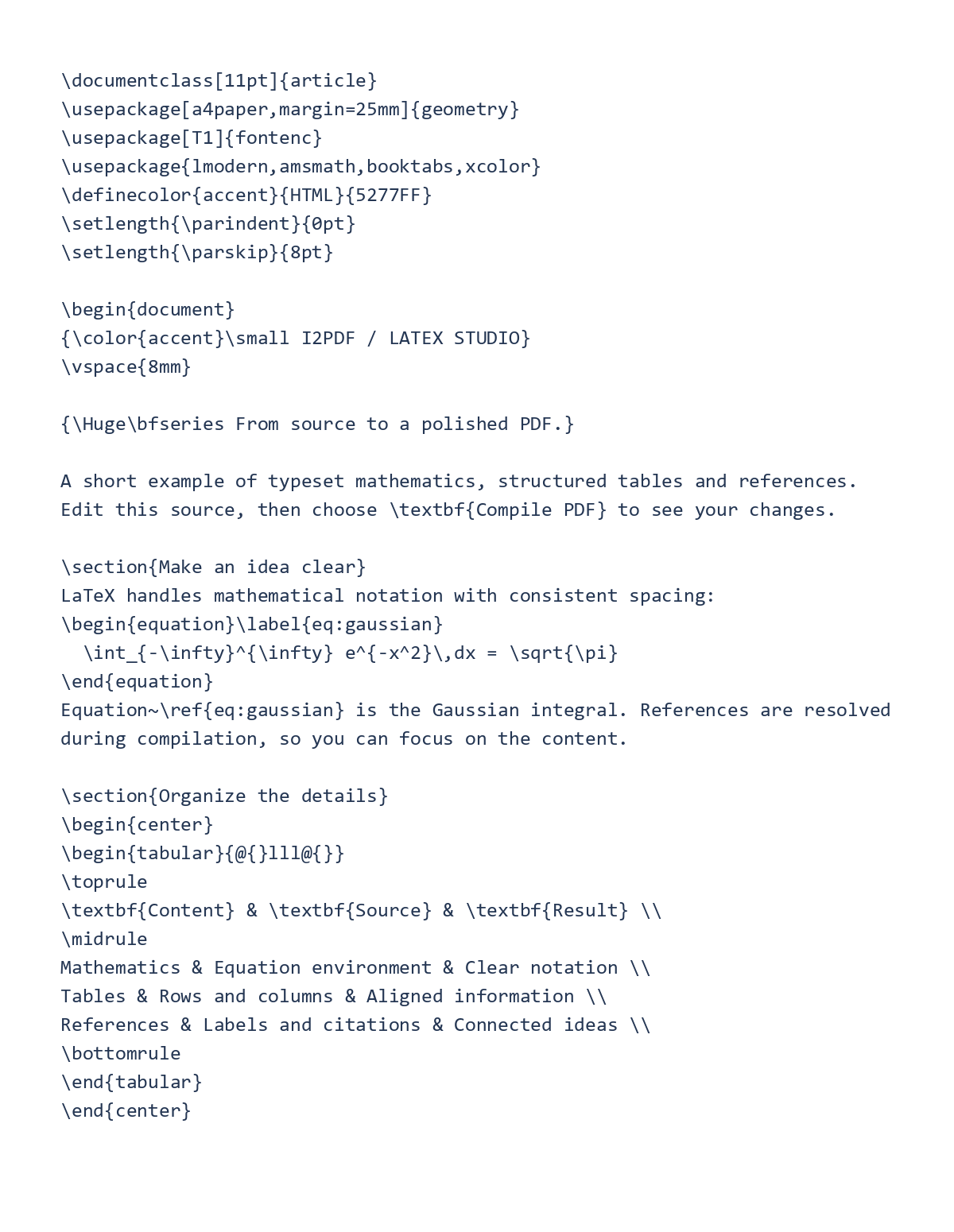
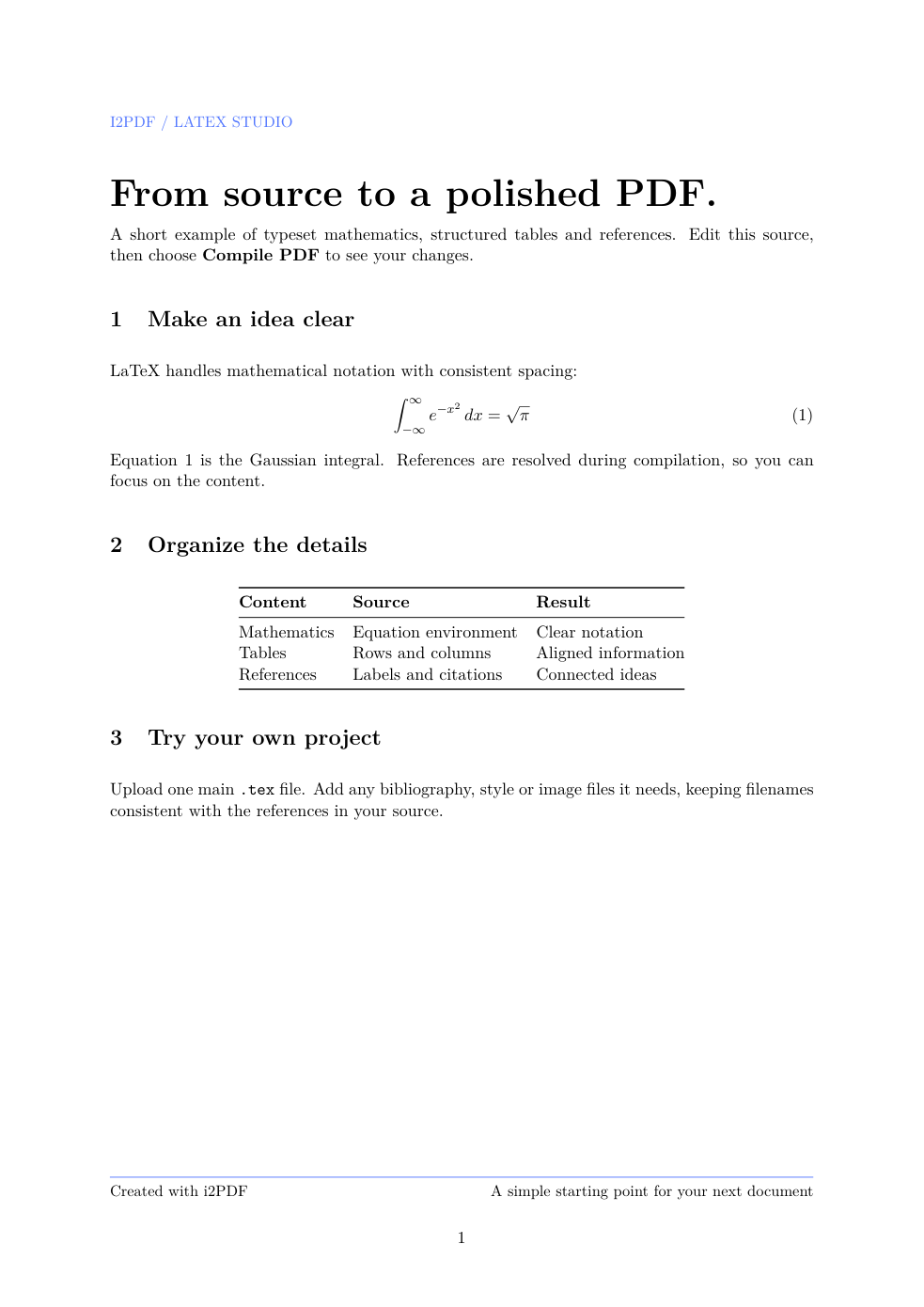

Open LaTeX to PDF and add your main TeX source. Add the supporting files it references, make any source edits and compile the project.
Add the main source and companions
Upload one main .tex file. Add supported bibliography, style, class or image files with names matching the references in your source. The workspace does not accept a ZIP project or several main TeX files.
Use the built-in sample to explore sections, a mathematical equation, a table and a numbered reference before trying your own document.
Edit the source and compile
Review the source in the editor and choose the compile action when ready. Editing alone does not compile the document. This tool uses pdfLaTeX; projects requiring XeLaTeX or LuaLaTeX need an appropriate alternative workflow.
If compilation reports a source filename and line, use the error location to check the command or missing dependency, correct it and compile again.
Inspect and download the result
Once compilation succeeds, review the PDF pages and download the result. Check equation references, table alignment, figures and the final page.
Save your edited source as well. The PDF is the typeset result; it does not replace the source and companion files needed for future edits.
Common questions
Does editing automatically run the compiler?
No. Start compilation explicitly after making changes.
Can I upload a whole project ZIP?
The tool accepts one main TeX file and supported companions as individual files, not an archive.
Try it with your document
Review the result, then save the version you need.