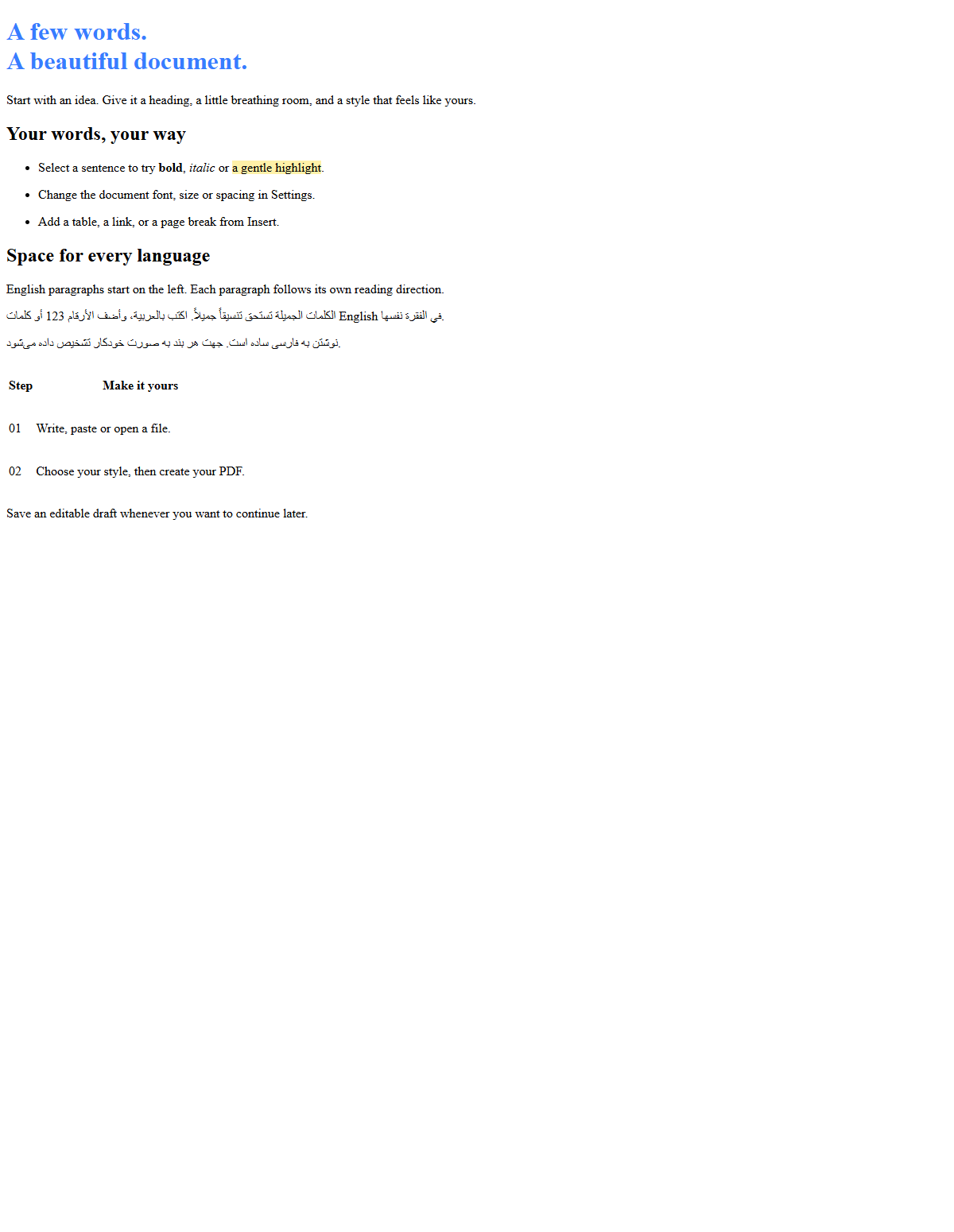
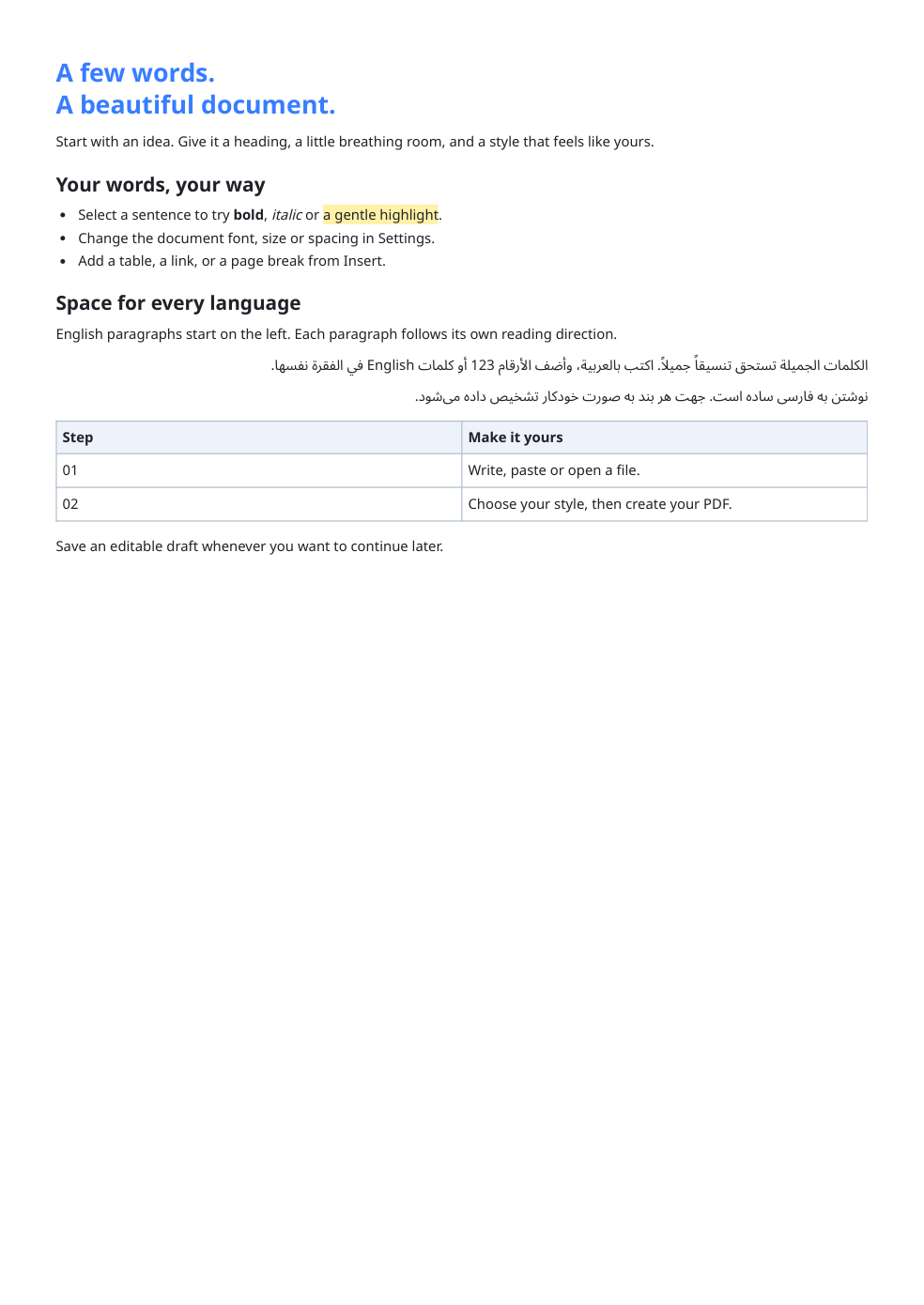

Use Text to PDF to arrange written content on PDF pages. Start with a text file, a blank editor or a Letter, Meeting notes or Short report template. Then choose the document style and page setup.
Add and review your text
Open your text file or enter the content in the editor. Check paragraph breaks and special characters before styling the document. A plain TXT file does not carry a Word document’s formatting.
Use paragraph styles for headings and ordinary text. Select a passage before applying local formatting; document style controls supply the overall appearance.
Set typography and page layout
Choose a font and size that suit the language and amount of content. Adjust line spacing and space after paragraphs to keep the document easy to follow.
Page setup starts with A4 portrait and half-inch margins. Switch between portrait and landscape, adjust margins, and enable Add page numbers if needed. Open PDF preview to inspect the generated pages. While that preview is open, settings changes update it automatically after a short pause.
Save and inspect the PDF
Choose Create PDF and download the PDF. If you already previewed the document and have not changed it, the tool reuses that PDF. Open it and compare the first heading, several paragraphs and the final line with the editor. Check accented letters and right-to-left text where present.
Save Draft keeps an editable .i2text file with your text, formatting, page settings and output filename. Use File → Open draft to continue later. The File menu also provides plain-text download; Copy text is directly available in the toolbar. Templates can replace your text; Undo restores it. If you need to edit an existing PDF instead of creating one from text, use Edit PDF.
Common questions
Will opening TXT preserve Word formatting?
TXT contains plain text. Apply headings and other formatting in the editor, or use Word to PDF for an existing Word document.
How can I fit more text on a page?
Adjust paper, margins, font size and spacing while checking readability. Prefer an extra readable page over text that is too small.
Try it with your document
Review the result, then save the version you need.