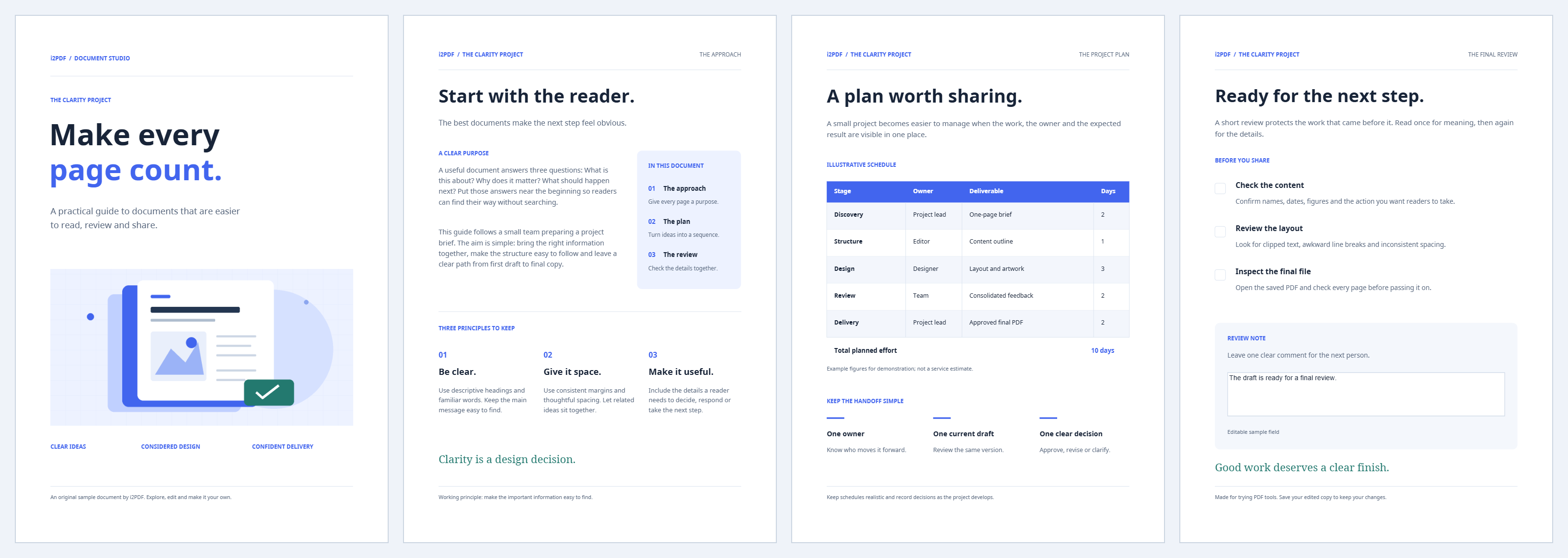
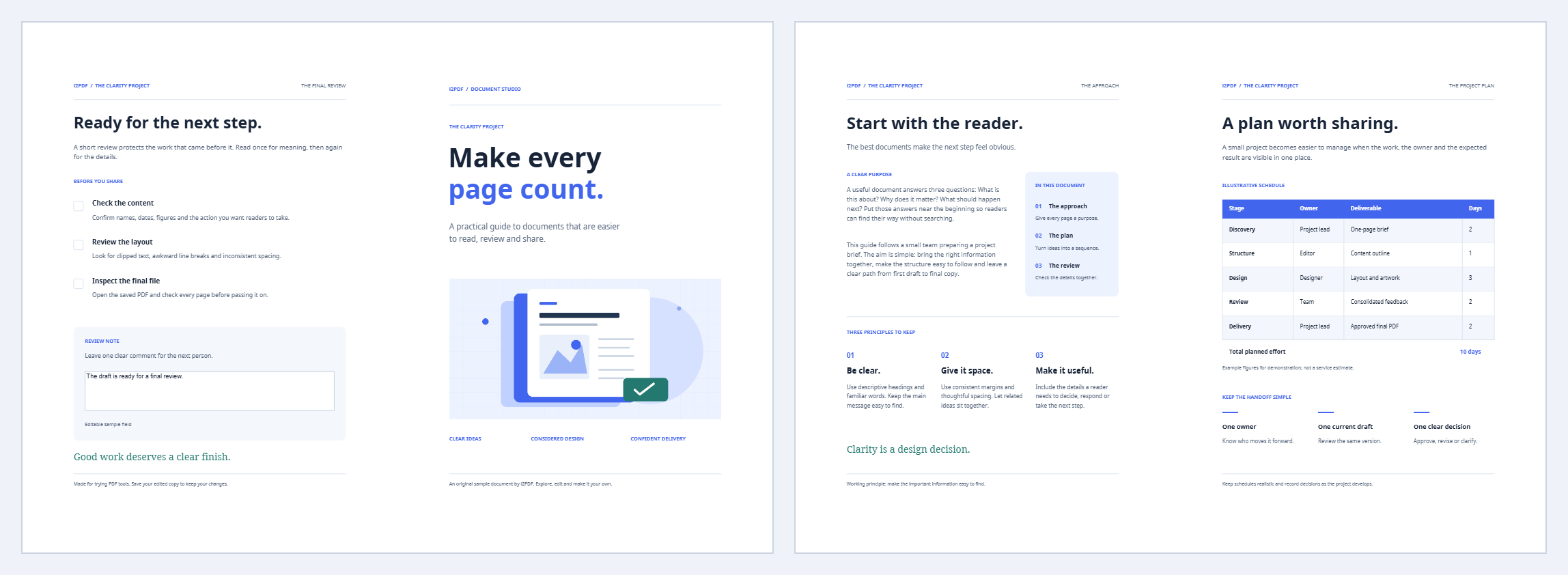

Create PDF Booklet places pages in the order needed for folding. Our four-page sample becomes two landscape A4 sides: 4 | 1 on the front and 2 | 3 on the back.
Load the pages in reading order
Open the PDF or try the sample. The input should already read from first page to last; let the tool arrange it for folding.
Set the paper and binding
Keep A4, Landscape and Left to right for the example. Select the opposite reading direction for a right-bound booklet.
Keep One booklet under Pages per folded section. For longer documents, a smaller section size creates separate folded sections that you can assemble afterward. Incomplete sections are padded to a multiple of four. Choose where added blanks belong.
Choose printing and margins
For this example use Short edge, outer and inner margins of 8 mm, and Fit to space. Review both front and back in the preview.
Match the printer’s flip setting to the chosen option. Manual printing instead provides separate front/back files and instructions; test how your printer feeds and returns sheets before printing the whole booklet.
Save, print and fold a test sheet
Choose Start and download the PDF. Print the saved layout at the intended size, with one output page per sheet side. Do not apply another booklet arrangement in the print dialog.
Fold the test sheet: the cover should be page one, the center pages two and three, and the back page four.
Common questions
Why is the last page beside the first?
They share the outside of the folded sheet. The unusual on-screen order is what produces the correct reading order after folding.
What if the page count is not divisible by four?
The tool adds blank positions to complete the last folded section. Choose end, start or before the last page according to the cover layout you need.
Try it with your document
Review the result, then save the version you need.