

Use PDF Graph Paper Generator to build vector grids, drafting meshes, ruled study sheets, stitch charts and blank music staves directly in your browser—with zero uploads. Open PDF Graph Paper Generator
Select one of the 22 paper templates
Open PDF Graph Paper Generator and browse all 22 miniature sheet cards, or filter by Grids & Math, Drafting & 3D, Ruled & Notes, and Craft, Music & Layout. One click on any card opens the live customizer immediately.
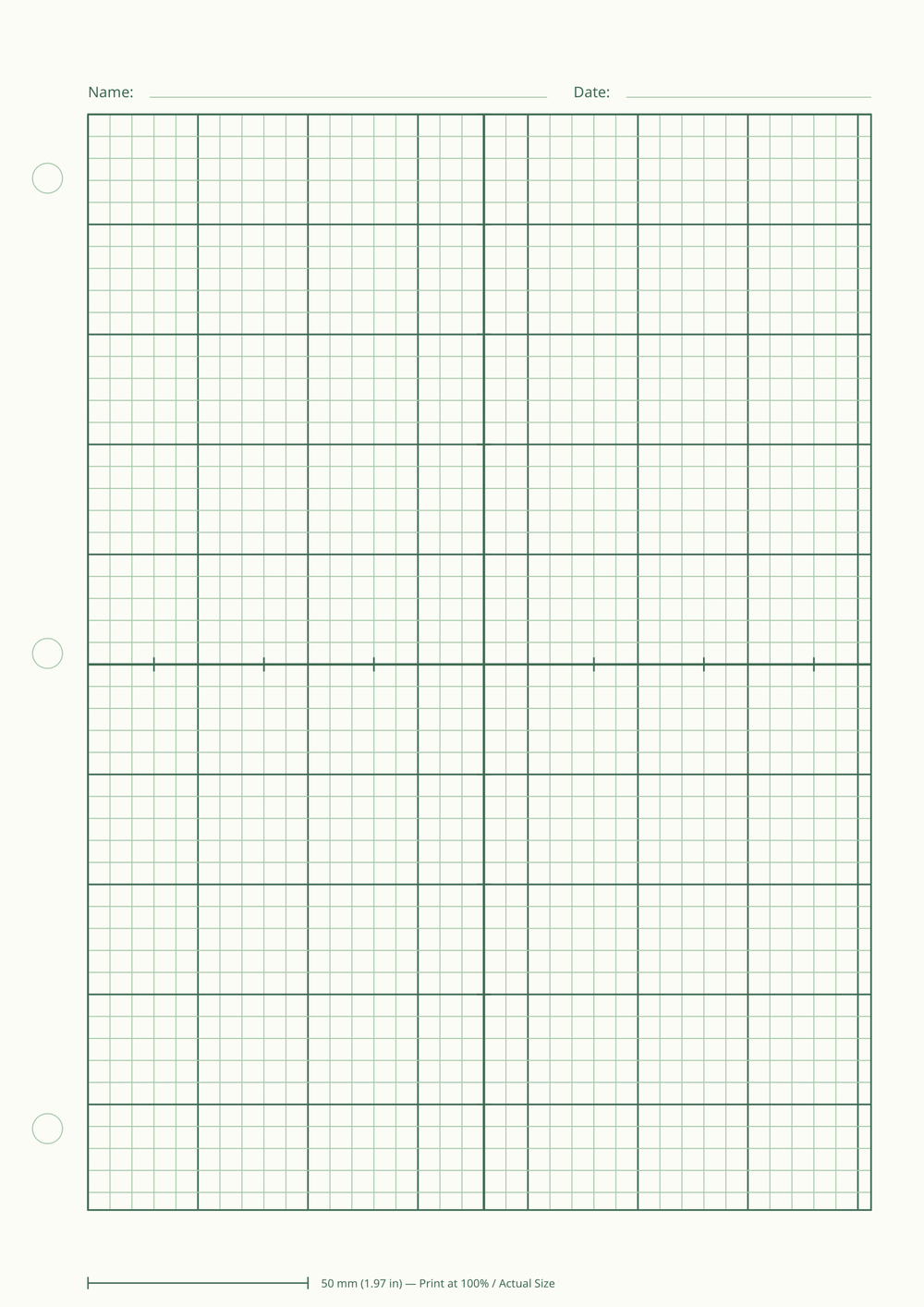
For the example shown above, click Coordinate Plane Paper. Inside the customizer, the Paper template menu at the top lets you switch to Dot Grid, Isometric Grid, Semi-Log, French Seyès, Cornell Notes, Hexagon, Knitting Stitch or Music Staff at any time without reloading the page. If you saved a configuration earlier, choose Import JSON Preset on the start screen.
Configure paper size, layout style and physical spacing
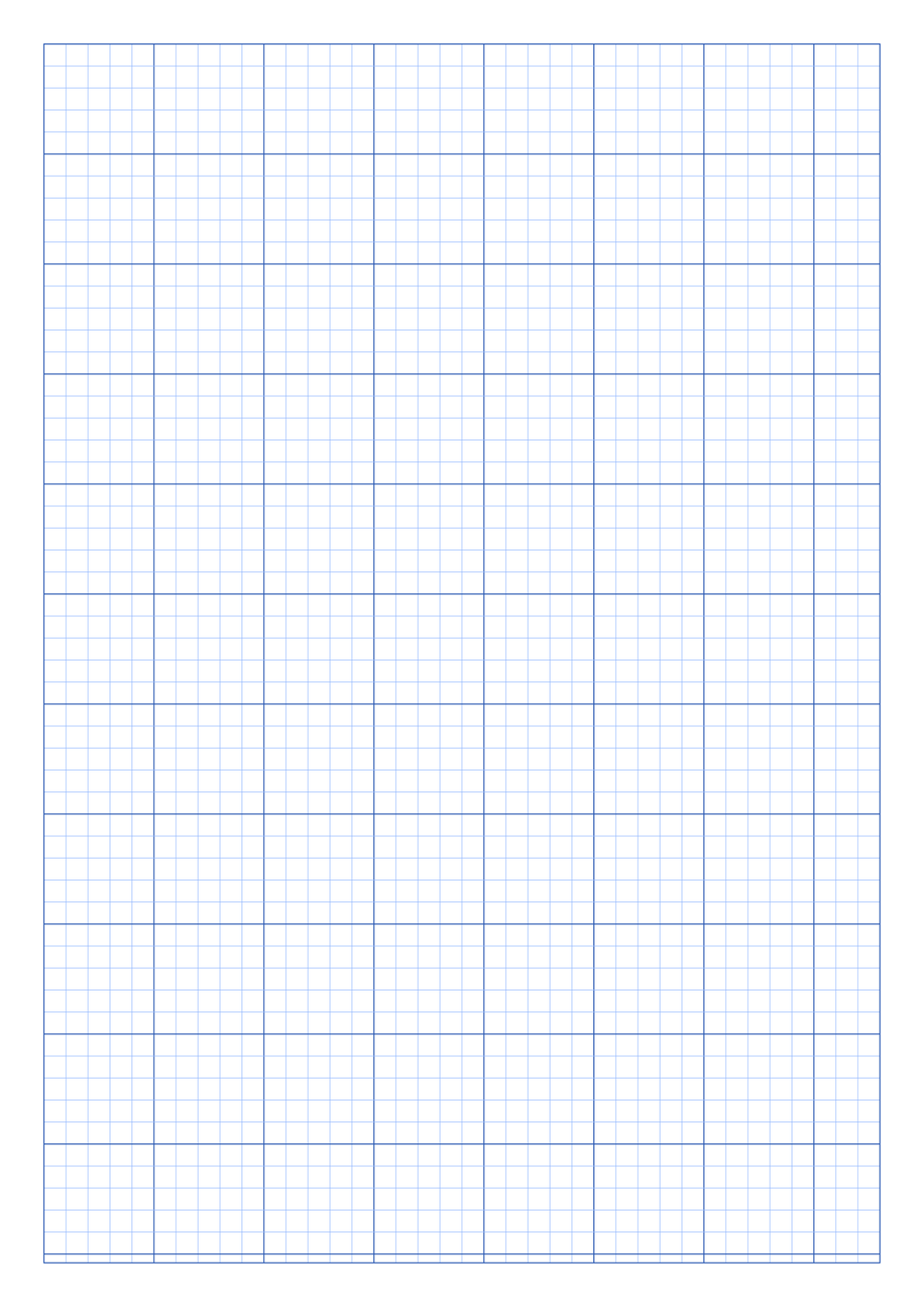
Templates with multiple geometries show a Layout style menu first—such as Four quadrants vs. First quadrant on Coordinate Plane, 1 to 4 decades on Semi-Log, or Piano grand staff vs. 6-line guitar TAB on Music Staff. Next, choose A4 (210 × 297 mm), US Letter, US Legal, A3, A5 or Tabloid, and toggle Portrait or Landscape.
Set Primary spacing (mm) between 1 and 50 mm, or click a quick preset chip for 1 mm, 2 mm, 5 mm, 10 mm, 1/4 in (6.35 mm), 1/5 in (5.08 mm) or 1/2 in (12.7 mm). For periodic grids, choose Major subdivisions (such as Every 5 cells for 5 mm blocks on 1 mm grids, or Every 4 cells for quarter-inch blocks), then fine-tune Line weight (pt) and Page margin (mm).
Customize ink colors, binder margins and notebook pages
Pick one of the six curated ink swatches—Blueprint, Cyan, Engineering Green, Slate Gray, Sepia or Rose—or choose custom hex colors in Grid & ruling ink and Paper tint. In our example, Engineering Green pairs muted green lines (#5b9a68) with a warm pad tint (#fbfcf6) and a 0.65 pt line weight.
Enable optional page furniture with the four single-row checkboxes: Draw outer frame border, Name & Date header, 3-hole binder punch margin (which reserves punch clearance on the binding edge), and 50 mm calibration scale bar. Set Page count (PDF) up to 50 pages when you want a multi-page printable packet or tablet notebook.
Export vector PDF, pattern SVG or 300 DPI images
Keep PDF (Vector) selected and click Generate PDF to create crisp geometric strokes that stay sharp at any zoom level or printer resolution. On the download screen, you can inspect the document with Preview PDF, download the file, or export the exact same sheet as a compact <pattern> SVG or 300 DPI PNG/JPG image.
Click Save JSON Preset in the settings panel whenever you want to keep a reusable configuration file. When printing on paper, always choose 100% scale or Actual Size in your print dialog—Fit to Page shrinks the sheet and changes physical millimeter and inch measurements.
Practical tips for accurate printing and digital notes
Verify with the 50 mm bar
Turn on 50 mm calibration scale bar on your first test print and measure it with a physical ruler to confirm your printer is set to 100% / Actual Size.
Use lighter ink for sketching
Slate Gray, Cyan or Engineering Green at 0.35–0.45 pt guides pencil and pen work clearly while staying subtle when scanned or photocopied.
Small multi-page notebooks
Multi-page PDF exports share a single vector template object across up to 50 pages, keeping a 20-page tablet or print notebook under a few dozen kilobytes.
Common questions
Why did my 5 mm squares print slightly smaller than 5 mm?
Most home and office printer dialogs default to Fit to Printable Area, which scales the page down to roughly 94–97%. Select 100% scale or Actual Size in your PDF viewer or printer settings so the 72 pt = 25.4 mm vector geometry prints at true scale.
Can I import the exported PDF into Goodnotes, Notability or reMarkable?
Yes. Choose A4 or A5, set Page margin (mm) as narrow as 0–8 mm if you want edge-to-edge tablet templates, set Page count (PDF) up to 50 pages, and export a vector PDF that stays razor-sharp when zoomed on tablets.
When should I export SVG instead of PDF?
Use SVG (Pattern) when bringing periodic grids into Adobe Illustrator, Inkscape, Affinity Designer or laser/plotter tools. Periodic templates use native SVG <pattern> tiles so the file stays around 2–4 KB.
Does the generator support Arabic and right-to-left notebooks?
Yes. In Arabic and other right-to-left interface editions, Name & Date headers, Cornell cue columns, checklist checkboxes, lined margins and 3-hole binder offsets automatically mirror to right-to-left layout, with shaped Arabic text embedded in the PDF.
Are my settings or preset files uploaded to a server?
No. Every preview, PDF, SVG, PNG, JPG and JSON preset is generated locally inside your browser.
Print the exact sheet your project needs
Pick a template, set your spacing, and download a crisp vector PDF—or fold multi-page sheets with Create PDF Booklet