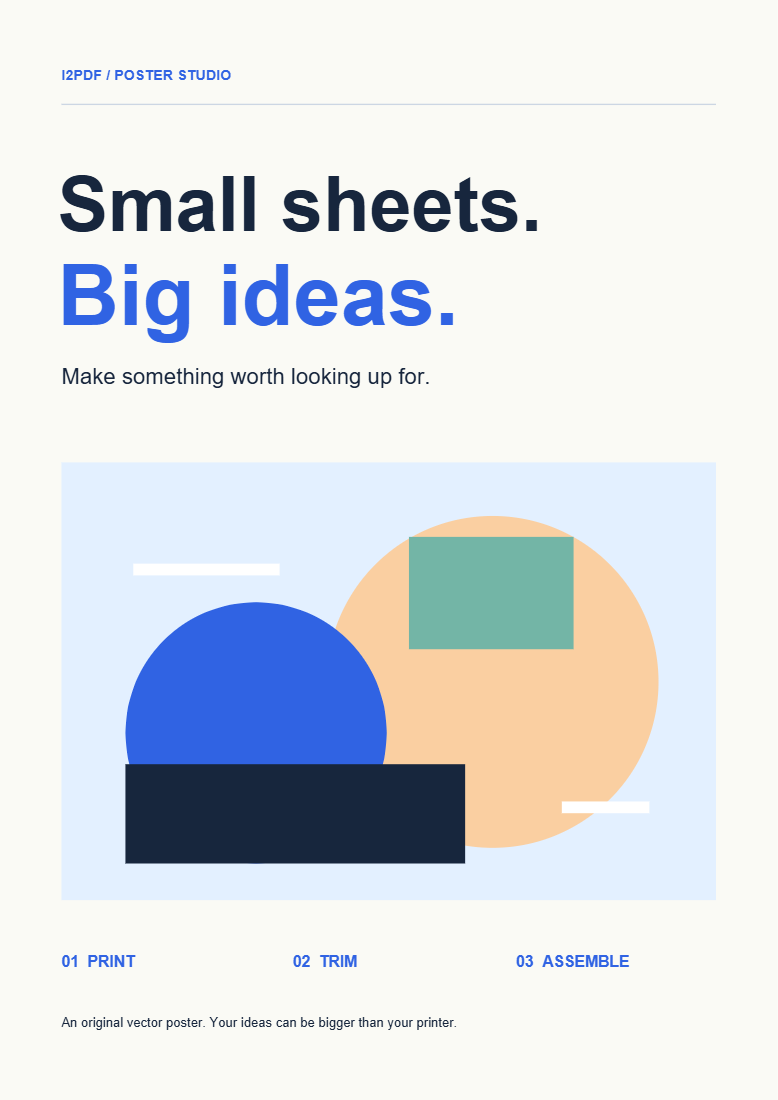
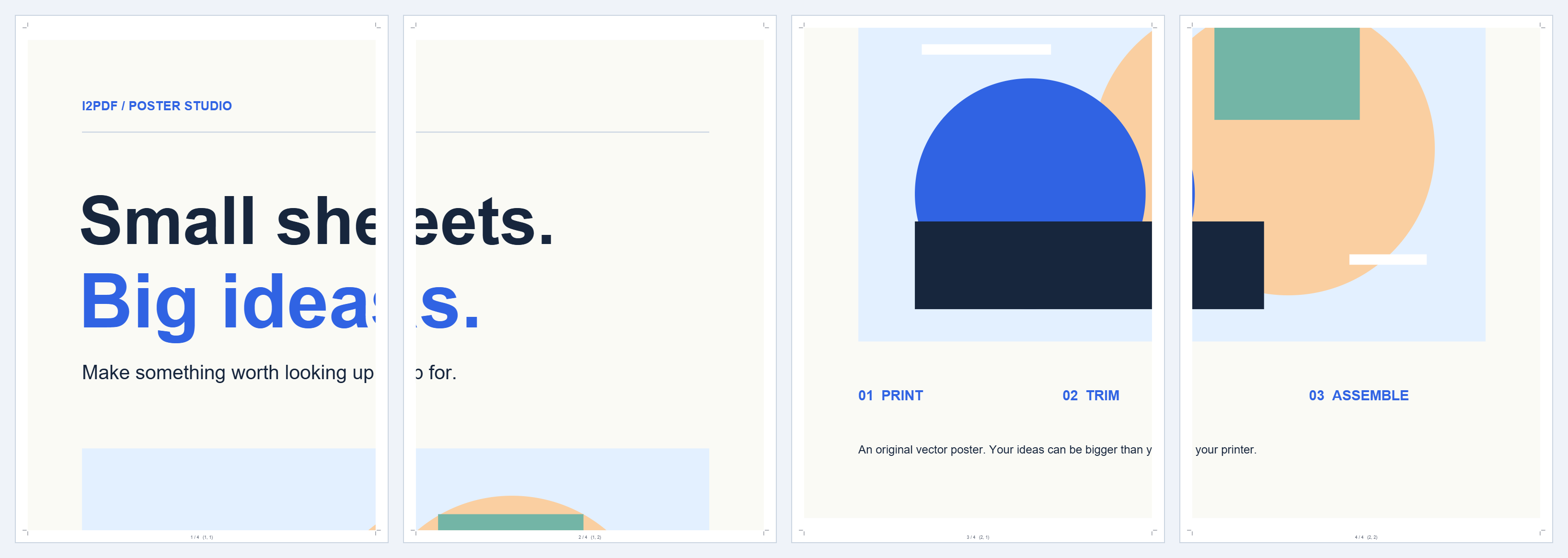

PDF Poster Maker spreads one selected PDF page over a grid of printable sheets. The example turns the sample poster into four A4 tiles for a 2 × 2 assembly.
Choose the page to enlarge
Open the PDF or try the sample. If it contains several pages, preview the page you want: export uses the currently selected source page.
Set the sheet grid and paper
Use 2 columns and 2 rows with A4 portrait paper to reproduce the example. The summary shows the resulting poster size and scale.
More columns and rows increase the assembled area. Check the preview to see how the source page fits the grid; a different aspect ratio can leave spare space.
Leave room for printing and assembly
Keep 5 mm overlap and 7 mm margins for this example. Leave Cut guides and Assembly labels enabled.
Overlap repeats a strip of artwork on neighboring sheets so you can align them. Margins leave room around the printable area; choose values your printer can handle.
Download, print and join the tiles
Choose Create poster and download the four-page PDF. Print at 100% or actual size, with the correct paper and orientation. Test one sheet before the full set.
Use the row/column labels to arrange the tiles in a 2 × 2 grid. Trim the appropriate overlapping edges, align the repeated artwork and tape or glue the sheets together.
Common questions
Does it process every page in the PDF?
No. It creates tiles from the page currently selected in the preview. Repeat for another source page if needed.
Why are edges repeated?
The overlap is intentional. It gives you matching artwork to align adjacent sheets while assembling the poster.
Try it with your document
Review the result, then save the version you need.