
Open PDF Viewer and choose a PDF from your device. The viewer renders the document locally, lets you navigate and zoom, and offers the original file for download.
Open the PDF
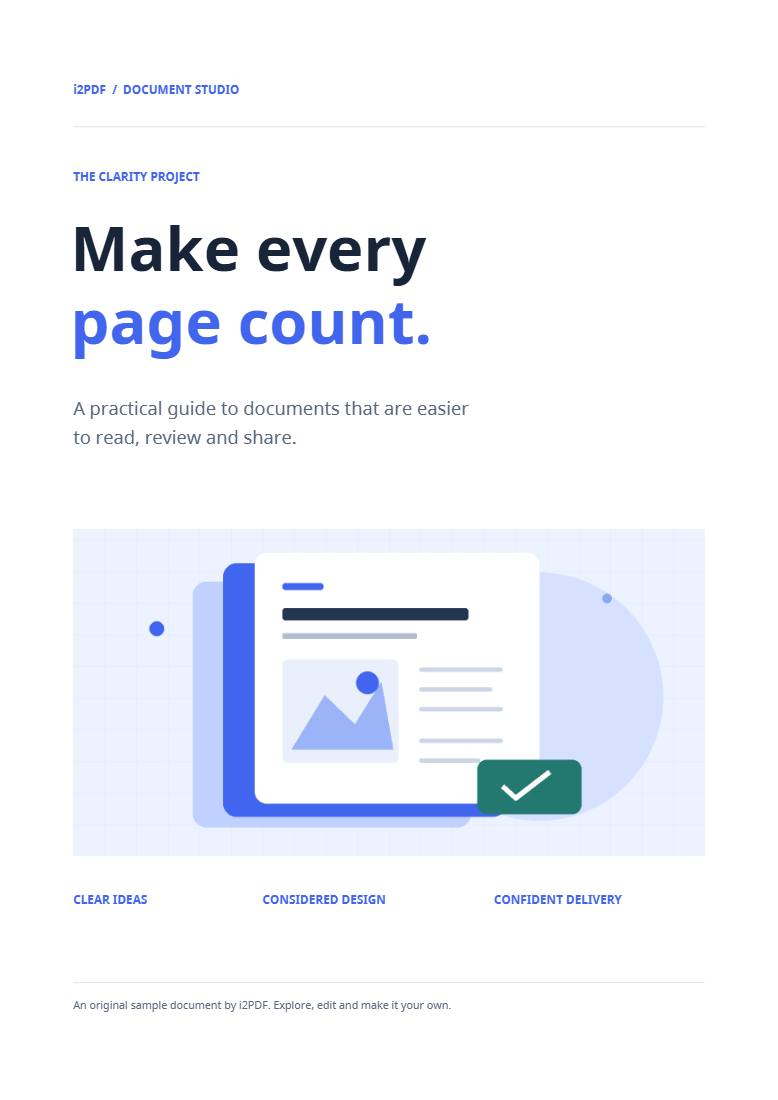
Choose your file or use the sample. Wait for the first page to appear, then check the page count. Our example contains four pages.
The viewer reads and renders the file on your device. Large or complex pages may take longer to display, especially on a phone with limited memory.
Navigate, zoom and select text
Use the page controls or enter a page number to move through the document. Adjust the zoom to read small print and return to a fitted view when you need to see the whole page.
When a page contains a usable text layer, you can select and copy its text. A page that is only a scanned image needs PDF OCR for text recognition.
Download the original if you need a copy
Choose Download original to save the same PDF. Zoom and page navigation affect the viewing session and do not rewrite the file.
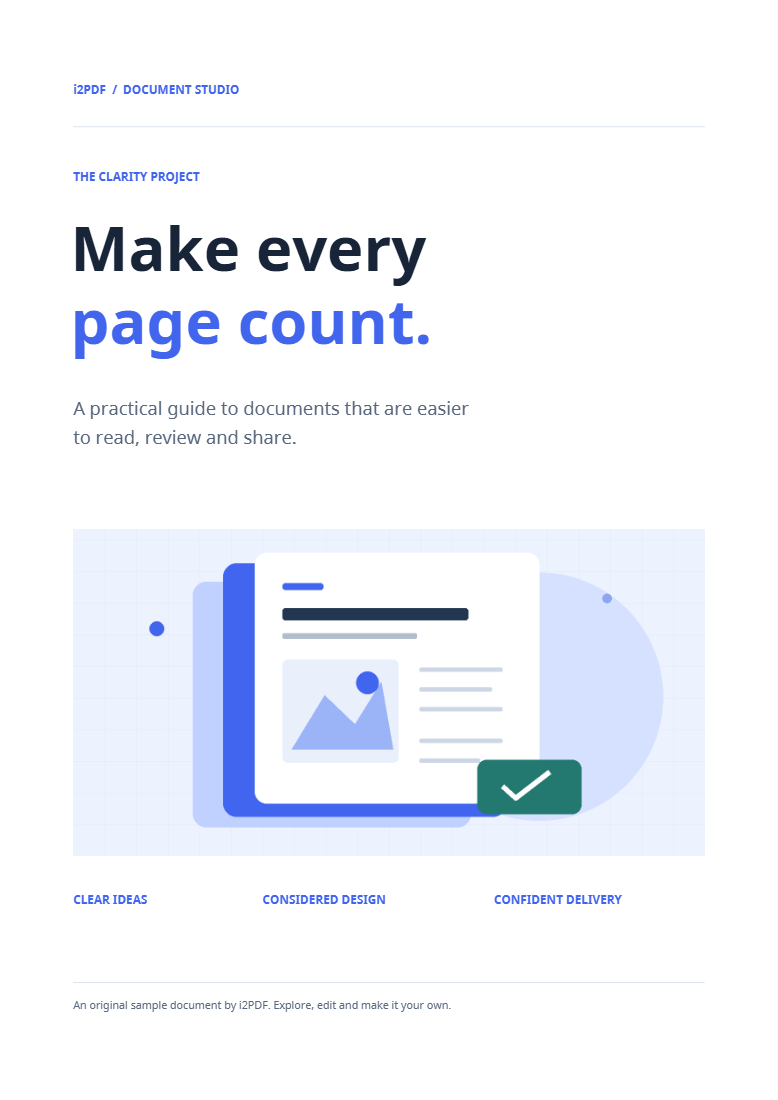
Our downloaded sample has the same four pages and exactly the same file bytes as the source. If you need to change the document, open the appropriate editing tool with your original PDF.
Common questions
How can I change a line or paragraph after reviewing it?
Open Edit PDF to work with supported existing text, including single lines, multiple selections and paragraphs.
How do I leave feedback on the document?
Use Annotate PDF to add highlights, shapes and comments, then save an annotated copy.
Try it with your document
Review the result, then save the version you need.