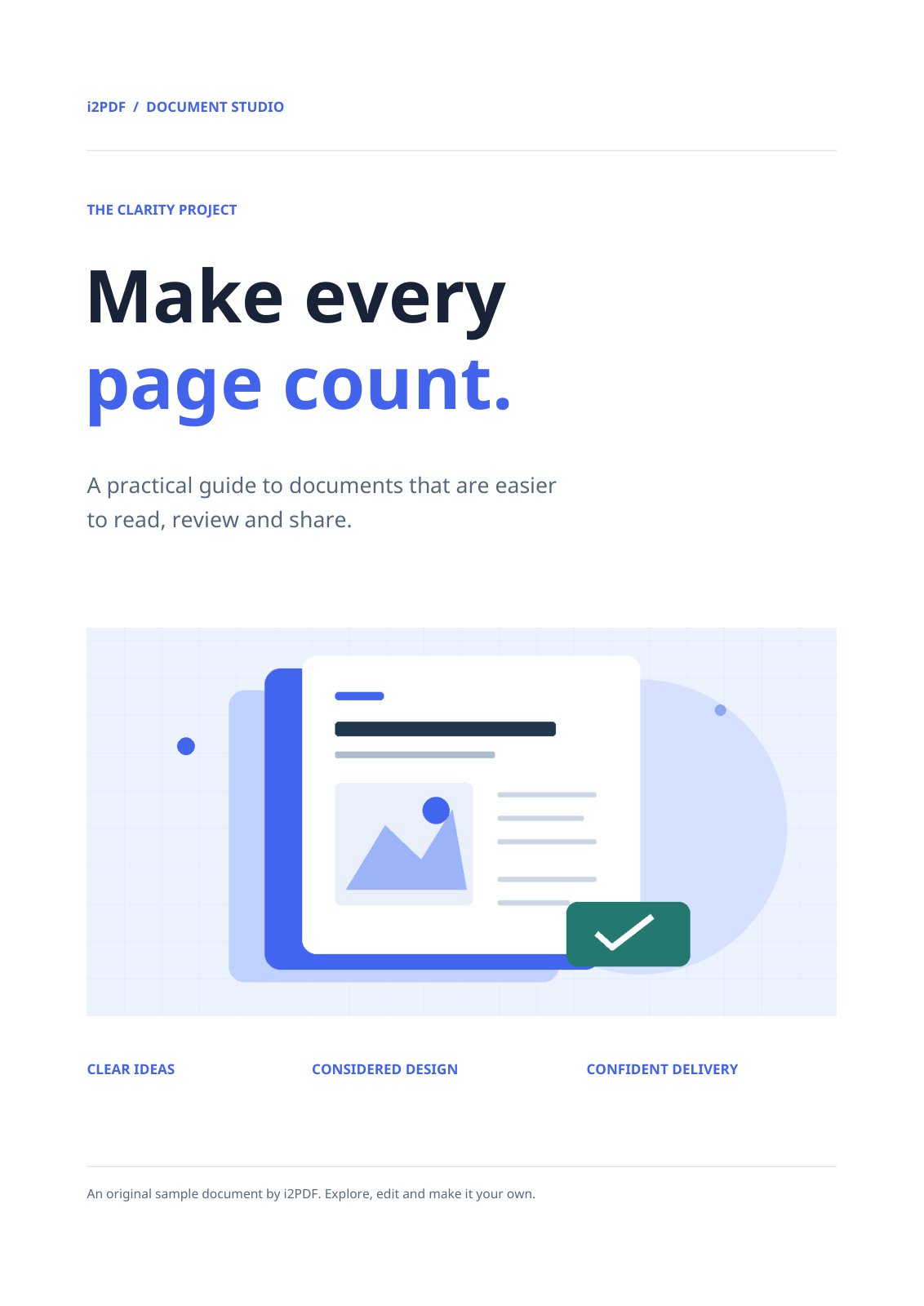
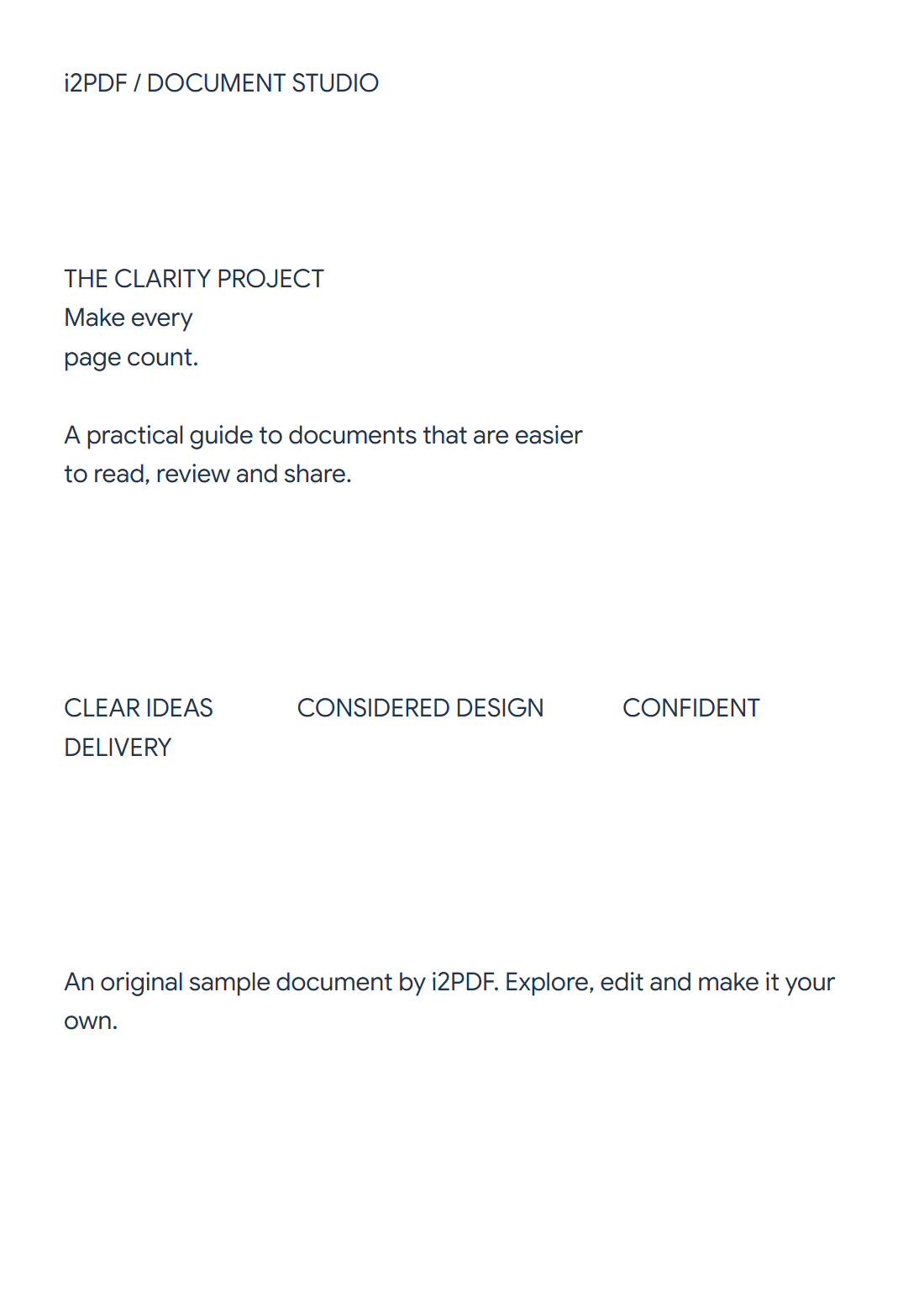

Open PDF to Text, choose the pages and select a download format. Our four-page sample produces one UTF-8 TXT file containing the extracted page text.
Load a PDF with usable text
Choose the original PDF. Check whether its text can be selected in a viewer. A scanned page made only of pixels needs PDF OCR before it can provide useful text.
Set the pages and packaging
Leave Pages blank for the whole document, or enter a range for a subset. The page shown in the preview is not the export scope.
Choose One text file for a combined TXT, as in the example, or Separate files for a ZIP containing page-level text files and a combined file.
Extract and review the text
Choose Start and download. The sample produces 3,940 bytes, with four page sections separated by page-break characters.
Open the TXT in a text editor and check columns, captions and tables. Extraction can retain unusual PDF spacing; clean it up before pasting the text into its destination.
Common questions
Why is the result empty for my scan?
The page may contain only an image. Use PDF OCR to recognize its words; this tool extracts an existing text layer.
Which tool is better for headings and notes?
Try PDF to Markdown when heading markers and paragraphs are more useful than plain TXT. Review its inferred structure too.
Try it with your document
Review the result, then save the version you need.