
Open PDF to WebP, choose your PDF, set the page scope and download. WebP is useful for image-based document previews on a website. The current exporter uses high-quality lossy encoding, so inspect the saved result rather than treating the format as automatically lossless.
Choose the PDF and output
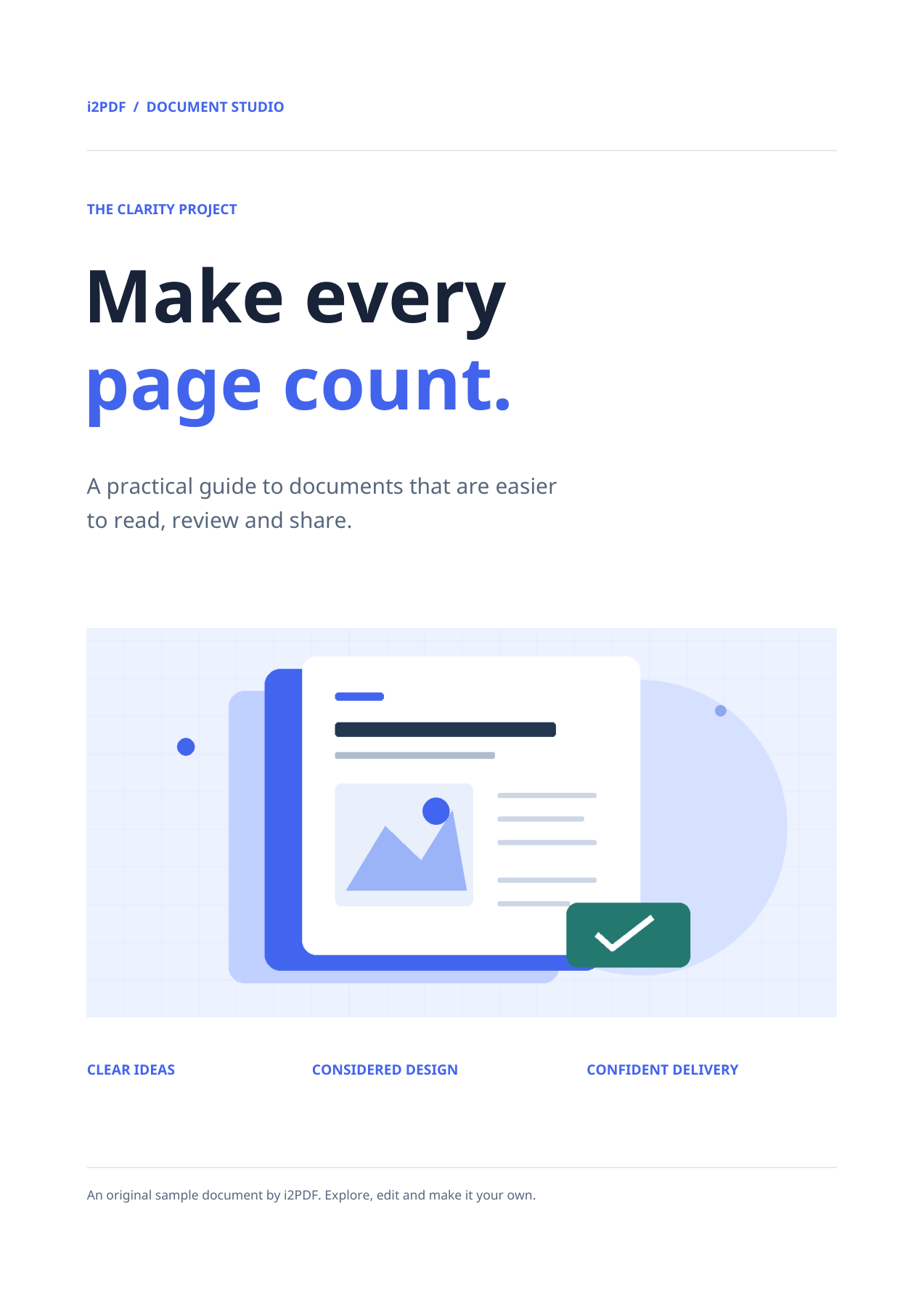
Load the PDF rather than a screenshot of it. Check the preview to confirm the document and orientation. Our example uses the tool’s 4-page sample.
The output format is WebP. For a website, resize the exported image to the sizes you actually display and provide responsive variants. Uploading the full page image for a tiny card wastes bandwidth.
Choose pages and orientation
Leave Pages empty to include all 4 pages, or enter a range such as 1-2 when you only need those pages. The preview’s page number is for viewing; use the Pages field to set export scope.
Keep rotation at 0° for this upright sample. The rotation control can turn the exported images when the source orientation needs correction.
The current tool renders raster images at a fixed 200 DPI. It does not expose a DPI or quality slider. Larger paper dimensions therefore produce more pixels.
Download and inspect the files
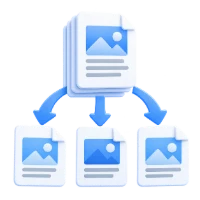
Choose Start. One selected page downloads as an image; several selected pages are bundled in ZIP. Extract the archive before opening or uploading its members.
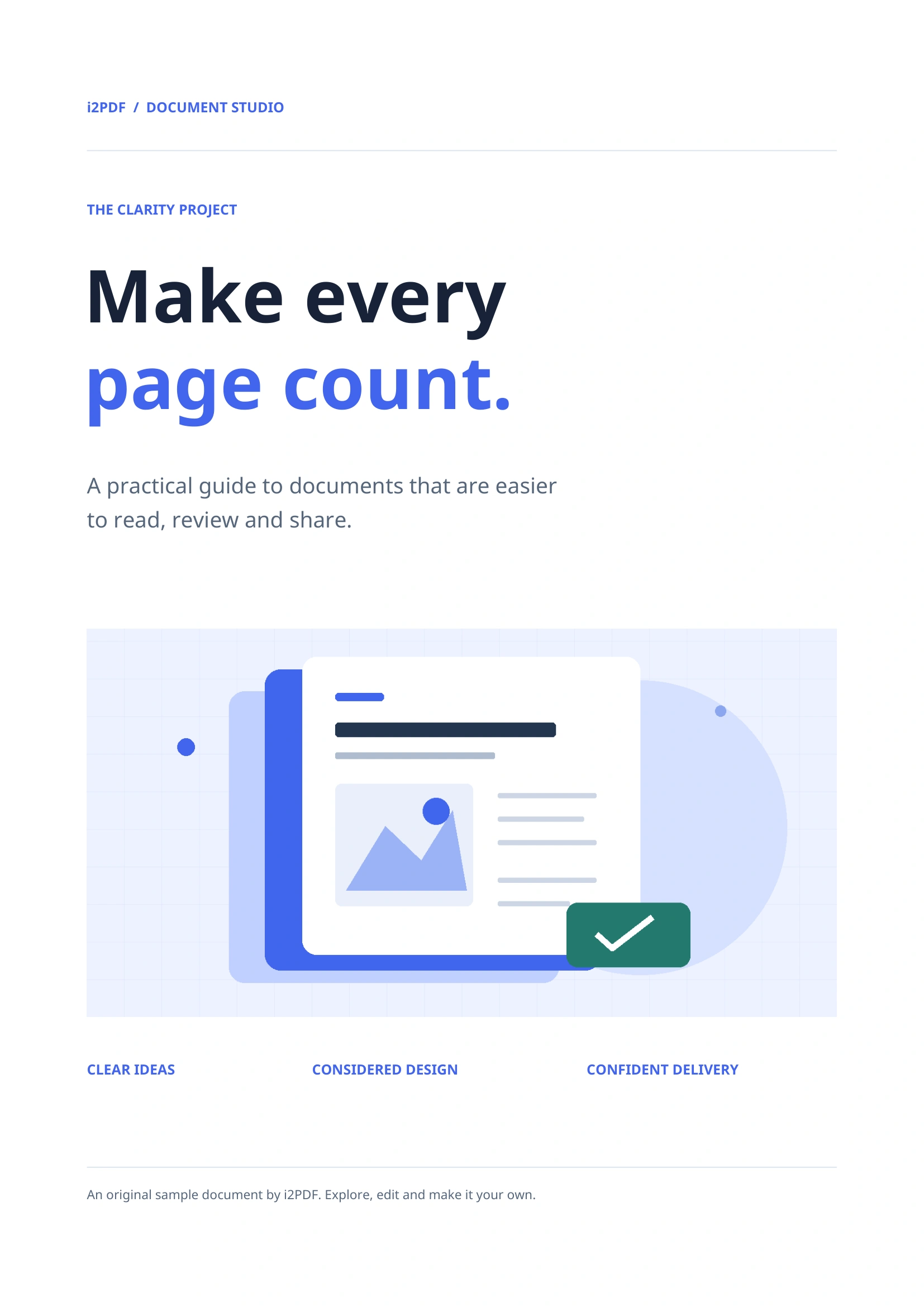
Our saved result contains 4 WebP files, with names such as page-001.webp. The first image is 1654 × 2339 pixels. Inspect fine type and graphics at an appropriate zoom.
Common questions
Does converting to WebP guarantee a smaller file?
No. Size depends on the page content and the format you compare it with. Measure the actual exported image and check that text remains readable.
Can I extract only the pictures inside the PDF?
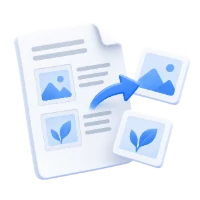
Use Extract Images from PDF for embedded pictures. This tool exports complete rendered pages, including text and page backgrounds.
Try it with your document
Review the result, then save the version you need.