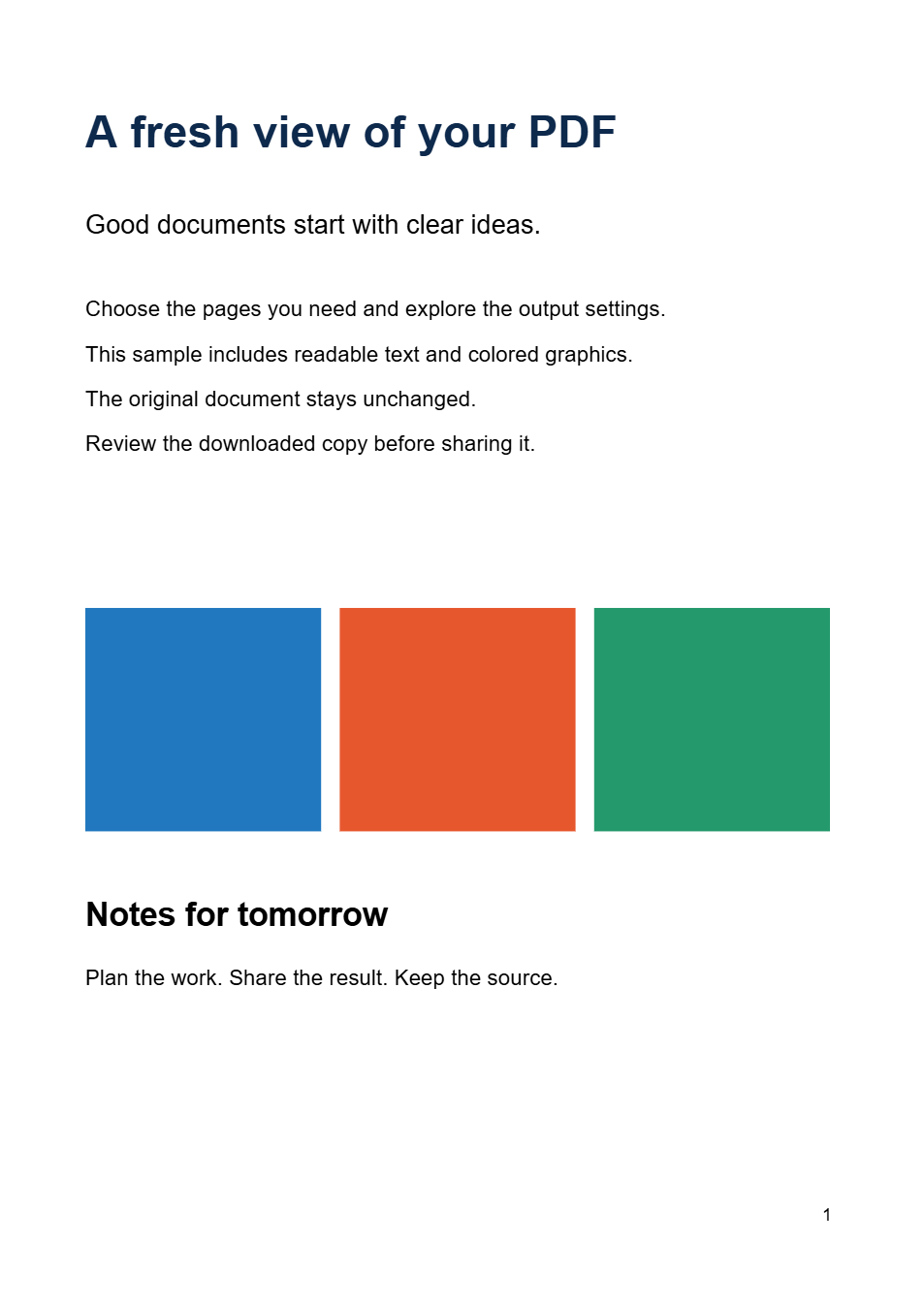
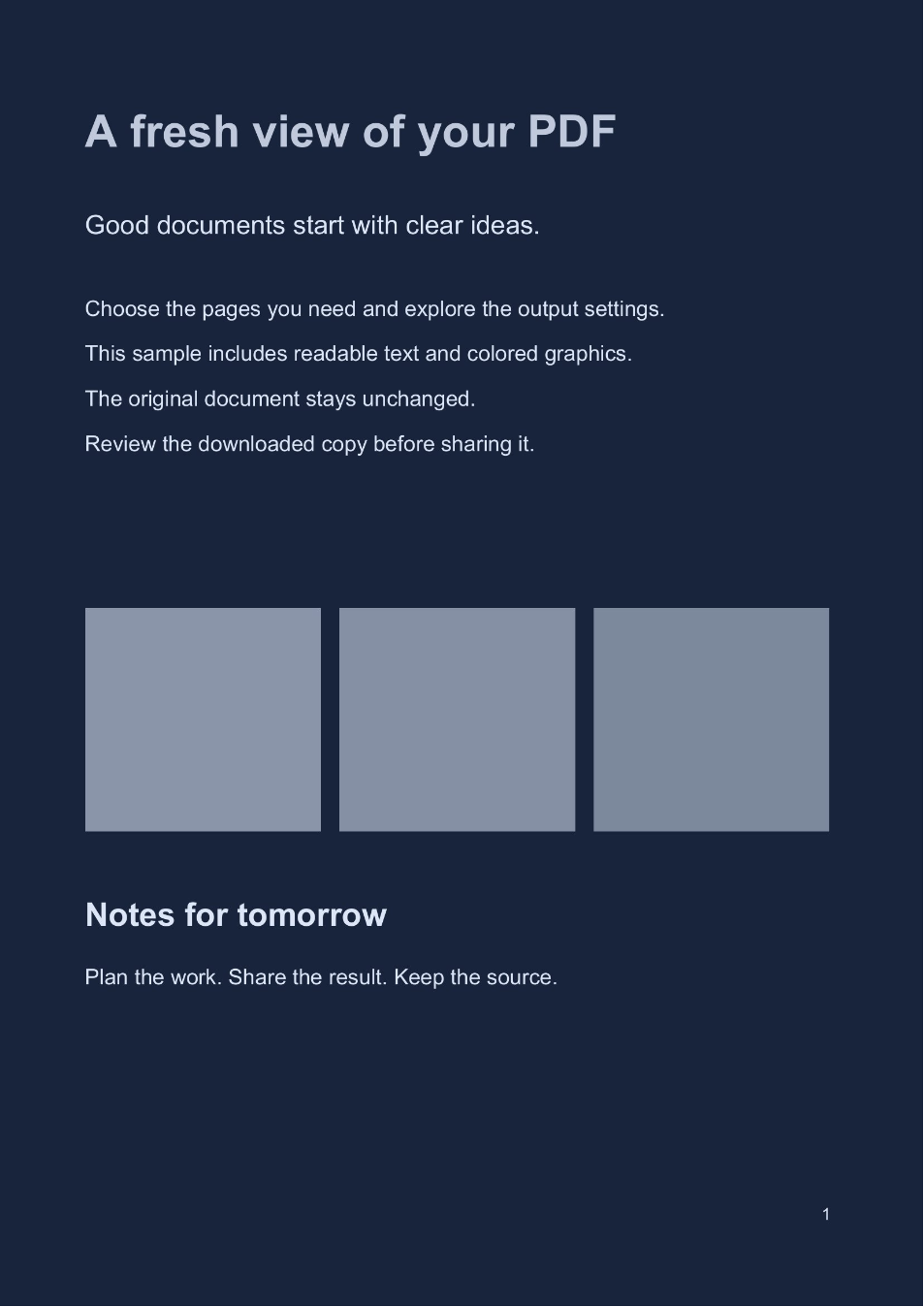

If you prefer light writing on a dark page, PDF Dark Mode can create a separate reading copy in that style. The colors travel with the downloaded file. Our example applies the Midnight palette to both pages of the sample.
Open your document
Open PDF Dark Mode and choose a PDF. Select Use Sample PDF if you want to follow the example first.
Choose a representative page containing body text and, if present, images or charts. A good palette needs to work across the content you actually read.
Choose a PDF up to 50 MB and 200 pages.
Choose a dark reading palette
Under Reading palette, choose Midnight. It sets Text & dark areas to #DCE6F7 and Paper & light areas to #17243B for this example.
Other presets include Turquoise, Warm and Black. You can also choose custom colors for the two endpoints. Keep enough difference between the text and paper tones to read small print comfortably.
Leave Reverse source tones off for an ordinary dark-on-light document like the sample. Use the preview to judge that option if the source already has light text on a dark background.
Review details and select the pages
Switch between Original and Preview, then inspect several pages. The palette affects graphics and photographs too; check chart keys, colored annotations and fine lines.
Leave Pages to process blank to include every page, as in this two-page example. To export a subset, enter its page numbers or ranges. For example, 2-4 includes the second through fourth pages of a sufficiently long PDF.
Only the chosen pages enter the new file. The range is based on PDF page positions, which may differ from the numbers printed on the page.
If a diagram becomes difficult to interpret, try another palette or keep that content in the original document. Dark colors are a reading preference, not a guarantee that every page will be clearer.
Download your dark reading copy
Select Start and download the processed file. Our result, sample-dark.pdf, contains both pages with their original dimensions and the Midnight colors.
Open it in your usual reader to confirm that the palette is saved into the PDF. Keep the original alongside it: large dark backgrounds can use much more ink when printed.
Saved PDF colors
This tool creates a separate file whose page colors remain changed when you open or share it.
Temporary viewer setting
If you only want a different display on your own device, your PDF reader may offer a viewing mode that leaves the document itself unchanged.
Common questions
Does this just switch the website to dark mode?
No. The site's appearance control changes the interface. PDF Dark Mode saves a new PDF with the selected page colors inside the file.
How does it differ from inversion?
Invert PDF Colors reverses the source colors. PDF Dark Mode maps the page to a chosen palette, so you can use a blue, warm or black background with a selected light text color.
Can I use a light cream background instead?
Yes. Color PDF includes a Sepia preset and custom colors, which suit a light-paper reading style.
Choose the page colors you prefer
Review the details, then save a separate reading copy.