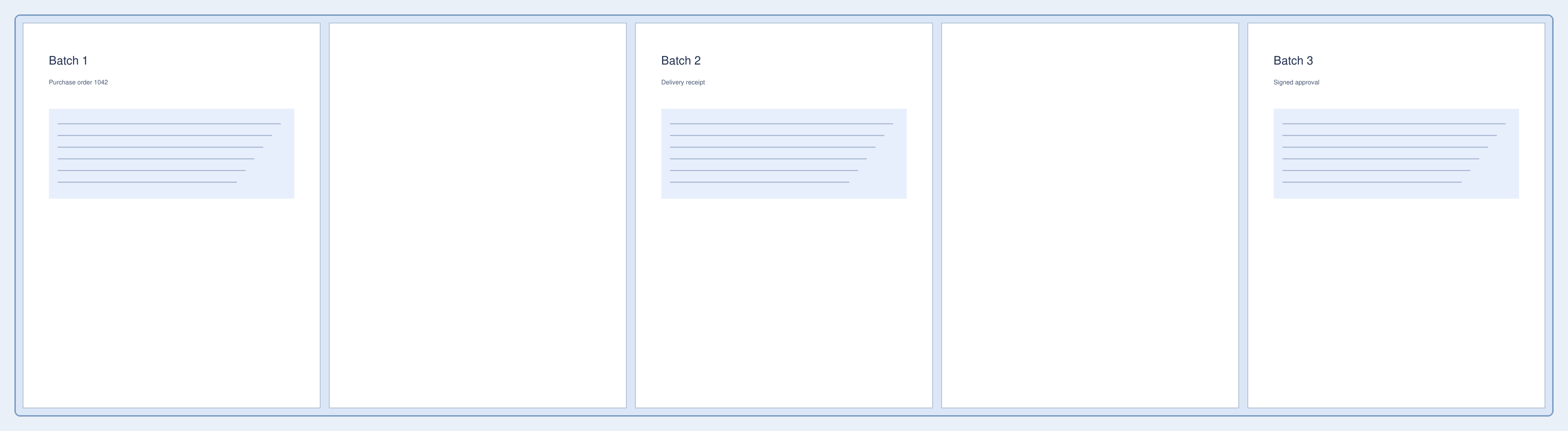
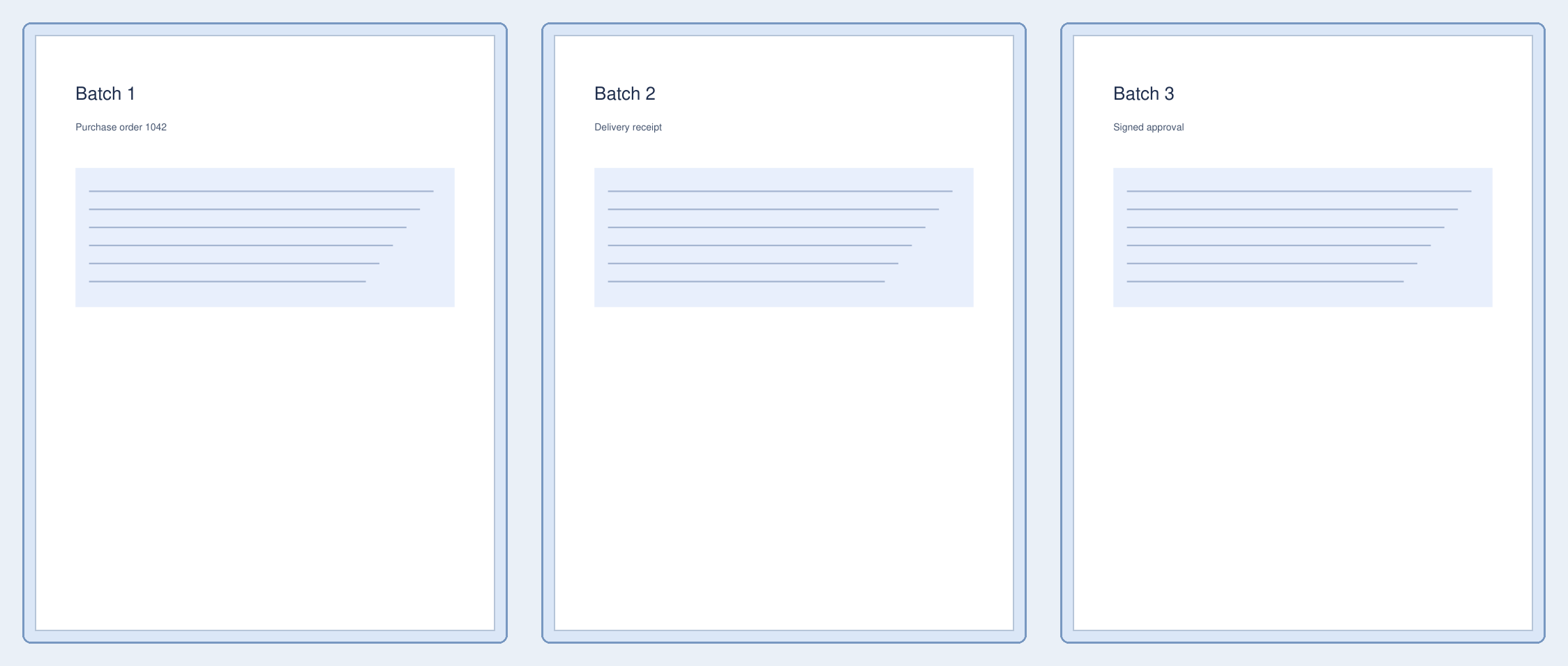

Open Split PDF by Blank Page. Our five-page sample contains three document pages separated by blank pages 2 and 4. Removing those separators produces three one-page PDFs.
Load a suitable document
Load the batch and look for the sheets intended as separators. A faint form or a page with only a small signature is still meaningful content, so do not assume it should be discarded.
Set the rule and review matches
Keep Allow small scan specks at Strict — completely blank for the clean digital sample. Keep Remove blank separators selected to omit pages 2 and 4.
Choose Find blank pages and inspect every detected separator. Use Light noise or Scan noise only when harmless scan specks prevent correct detection. If you keep separators, choose whether they belong to the next or previous section.
Download and verify the sections
Choose Split PDF and download the ZIP. Extract it before opening the PDF files. The ZIP contains the purchase order, delivery receipt and signed approval as separate one-page PDFs. Original pages 1, 3 and 5 remain, in order.
Check the beginning and end of each part so an unexpected match does not separate pages that belong together.
Common questions
What happens if no blank separator is found?
The download contains one PDF. If every page is classified as blank, the tool also keeps the original document intact rather than discarding all pages.
Can I choose split points manually instead?
Yes. Use Split PDF for explicit page boundaries, or adjust the matching rule here until the proposed ranges match your document.
Try it with your document
Review the result, then save the version you need.