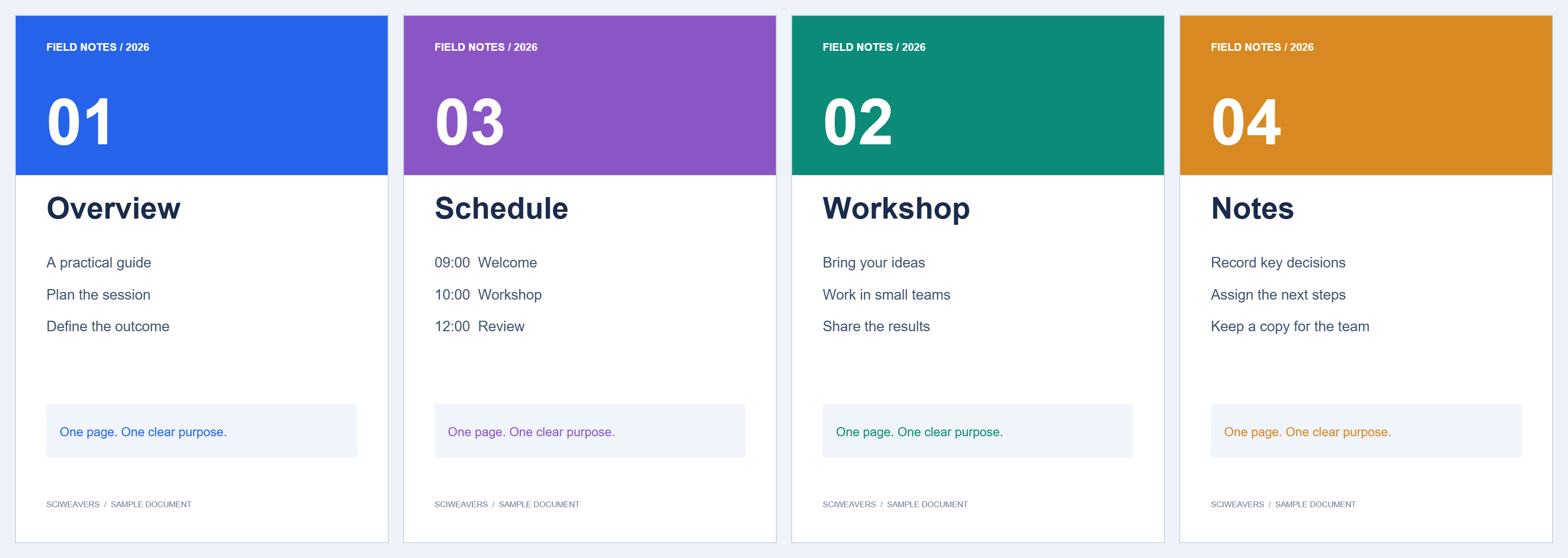
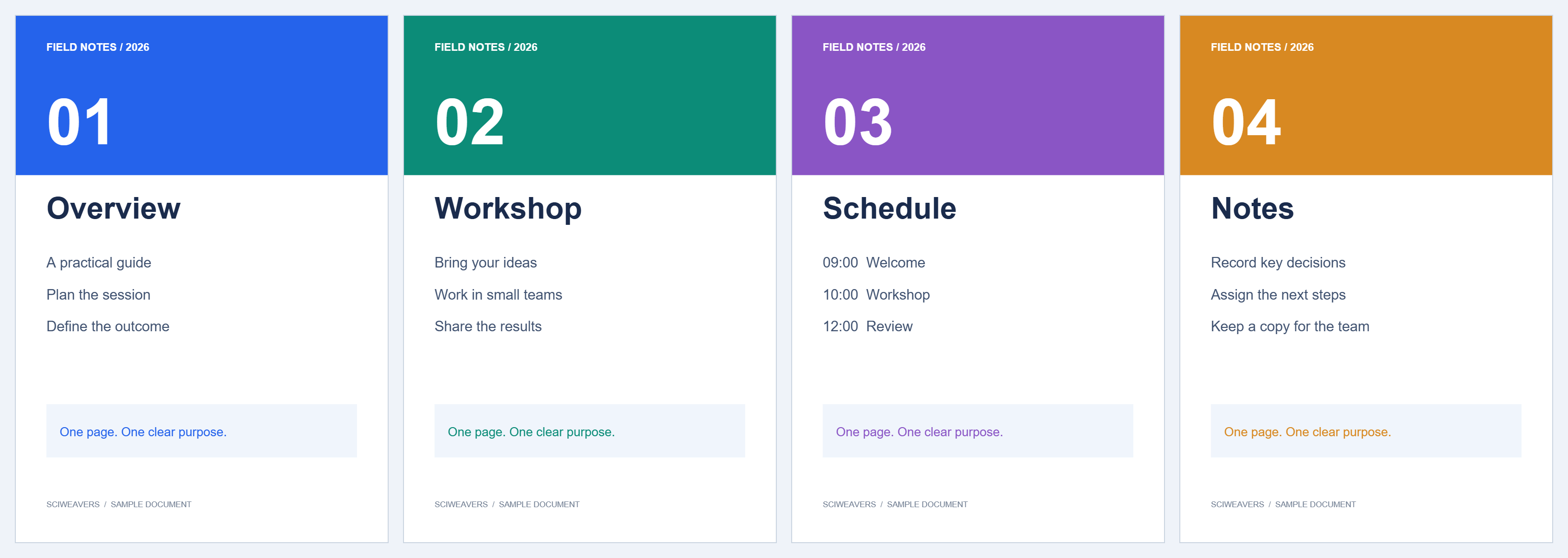

Alternate Mix PDF takes one page from each of two files in turn. Our odd file contains pages 1 and 3; the even file contains 2 and 4. The result reads 1, 2, 3, 4.
Add the two scan files
Choose both PDFs. The tool requires two files. Check their assigned odd/even roles; use Swap Odd / Even if the assignments are opposite to your intended reading order.
Check whether a stack is reversed
Our odd file is already ordered 1, 3 and the even file 2, 4, so leave both reverse options off.
A scanner may save backs in reverse order. If your even file starts with the last back page, enable Reverse the even-page file. There is also a separate option for reversing the odd-page file.
Review the interleaved sequence
Follow the sequence preview from the first page. Check at least the first two pairs and the last pair. If one file has extra pages, they continue at the end rather than disappearing.
Save the reconstructed document
Choose Start and download. Our two two-page inputs produce one four-page PDF. Verify that Workshop follows Overview and Notes follows Schedule.
Common questions
What if I want one whole document after another?
Use Merge PDF with One after another. Alternating is intended for interleaved sequences.
Must the files have the same number of pages?
No. The extra pages from the longer file are appended after the alternating pairs. Check whether that is appropriate for your scan.
Try it with your document
Review the result, then save the version you need.