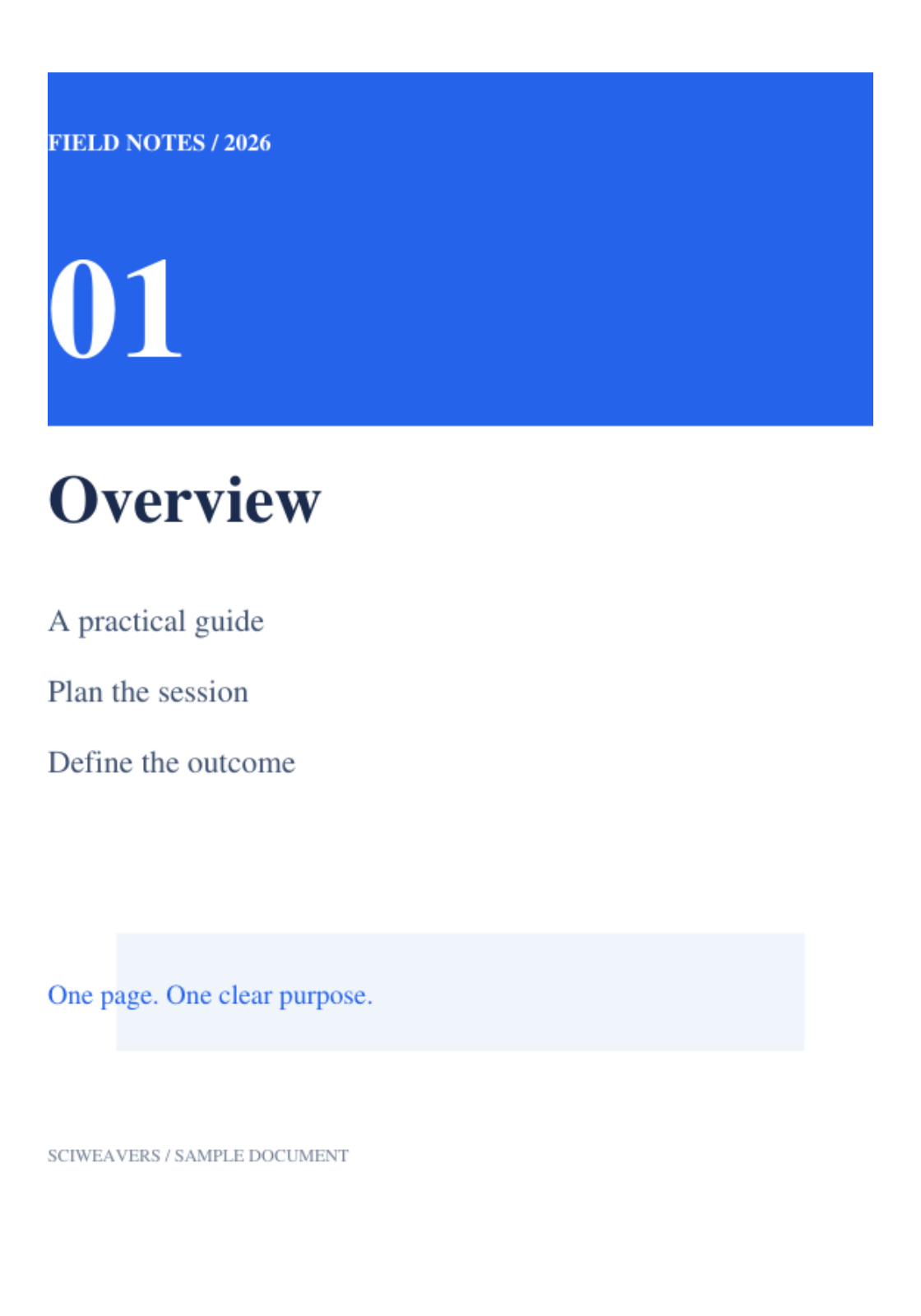

Open PDF to EPUB, select the pages and convert the document. This tool creates an EPUB with fixed page layouts; our example packages all four pages of a Field Notes PDF.
Open the source PDF
Add your PDF and inspect its pages. This conversion is useful when the page arrangement matters and you need an EPUB container for those pages.
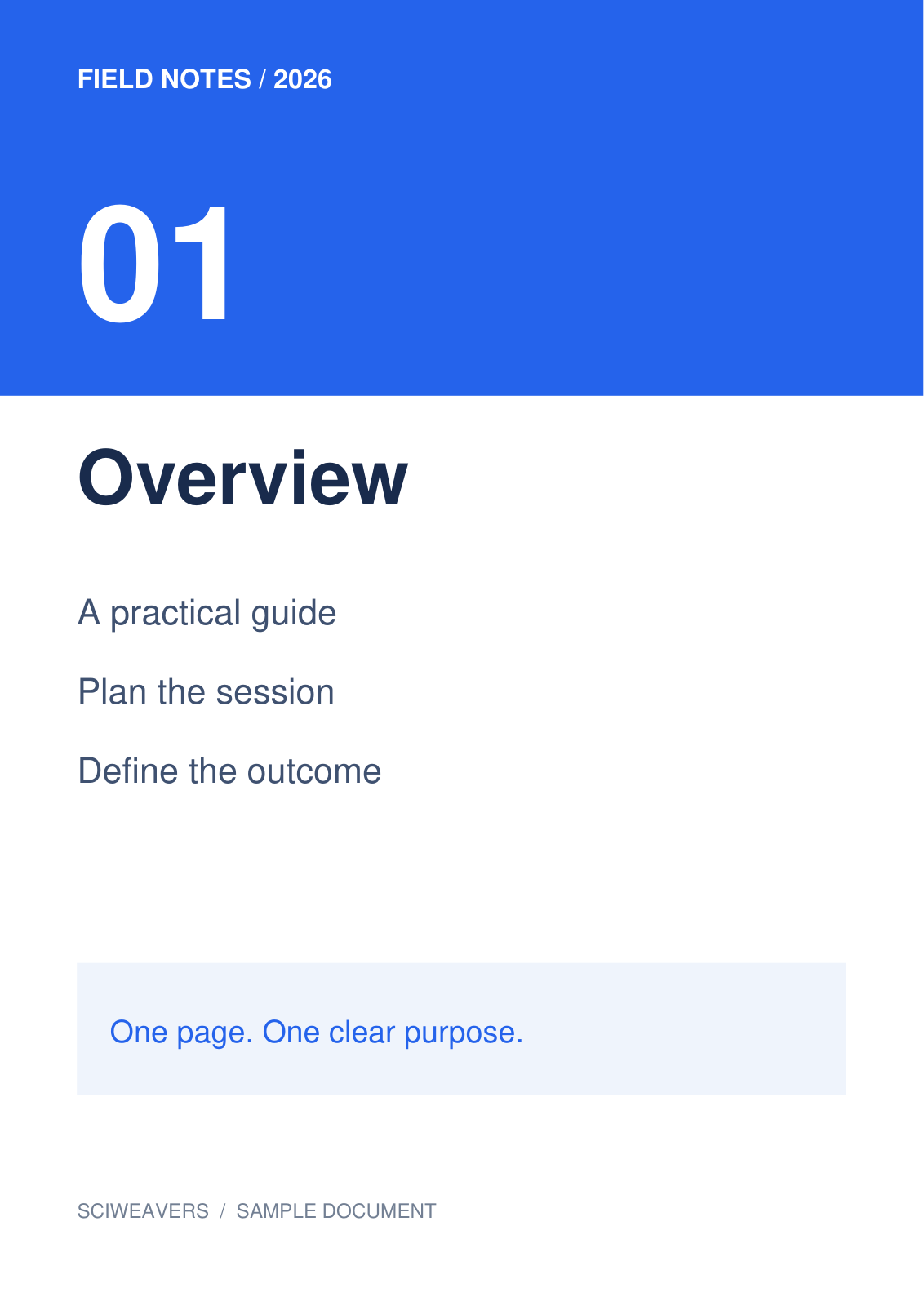
Our source has four distinct pages with headings, colored panels and short text. Keep the PDF for comparing the exported book.
Choose the pages and convert
Leave the page range blank to include all pages, or enter a range or list of the pages you want. Choose Start to create the EPUB.
The example includes all four pages. Each selected PDF page becomes a fixed-layout entry, with navigation entries for those pages.
Open the EPUB in the intended reader
Download the EPUB and open it in the ebook reader that will be used for the book. Check every page, including text placement, images and navigation.
Our downloaded package contains four page entries. The shown reader substitutes the appearance of some fonts, so inspect small labels and crowded text in particular.
Common questions
Will the text reflow like a typical novel?
The output preserves page-based layouts. Reader zoom and fitting may change the display, but this conversion does not turn the PDF into a newly structured reflowable book.
Why does the EPUB look different in another reader?
EPUB readers differ in font availability and support for fixed-layout SVG content. Test the saved book in the intended reader and keep the PDF as a reference.
Try it with your document
Review the result, then save the version you need.