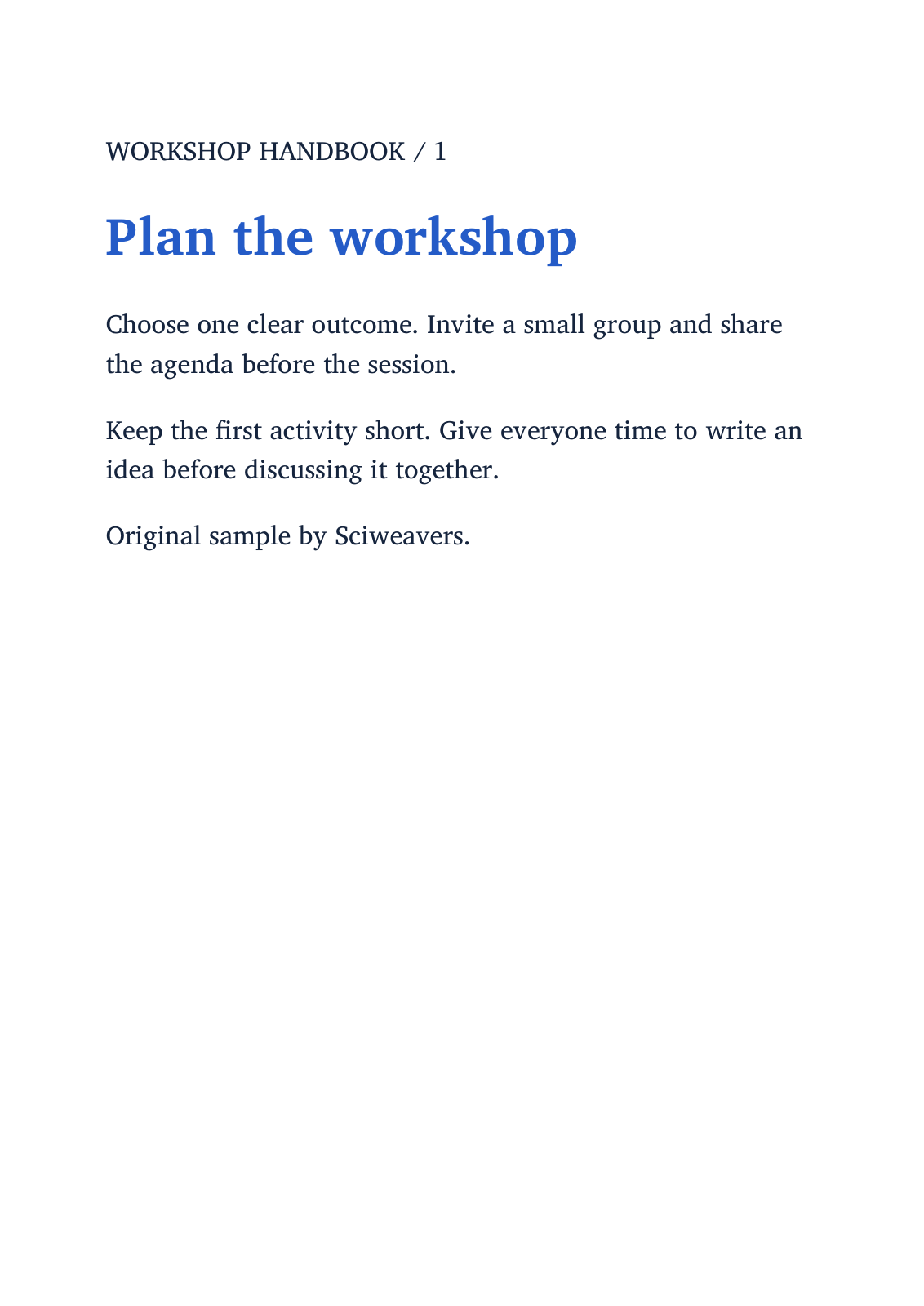
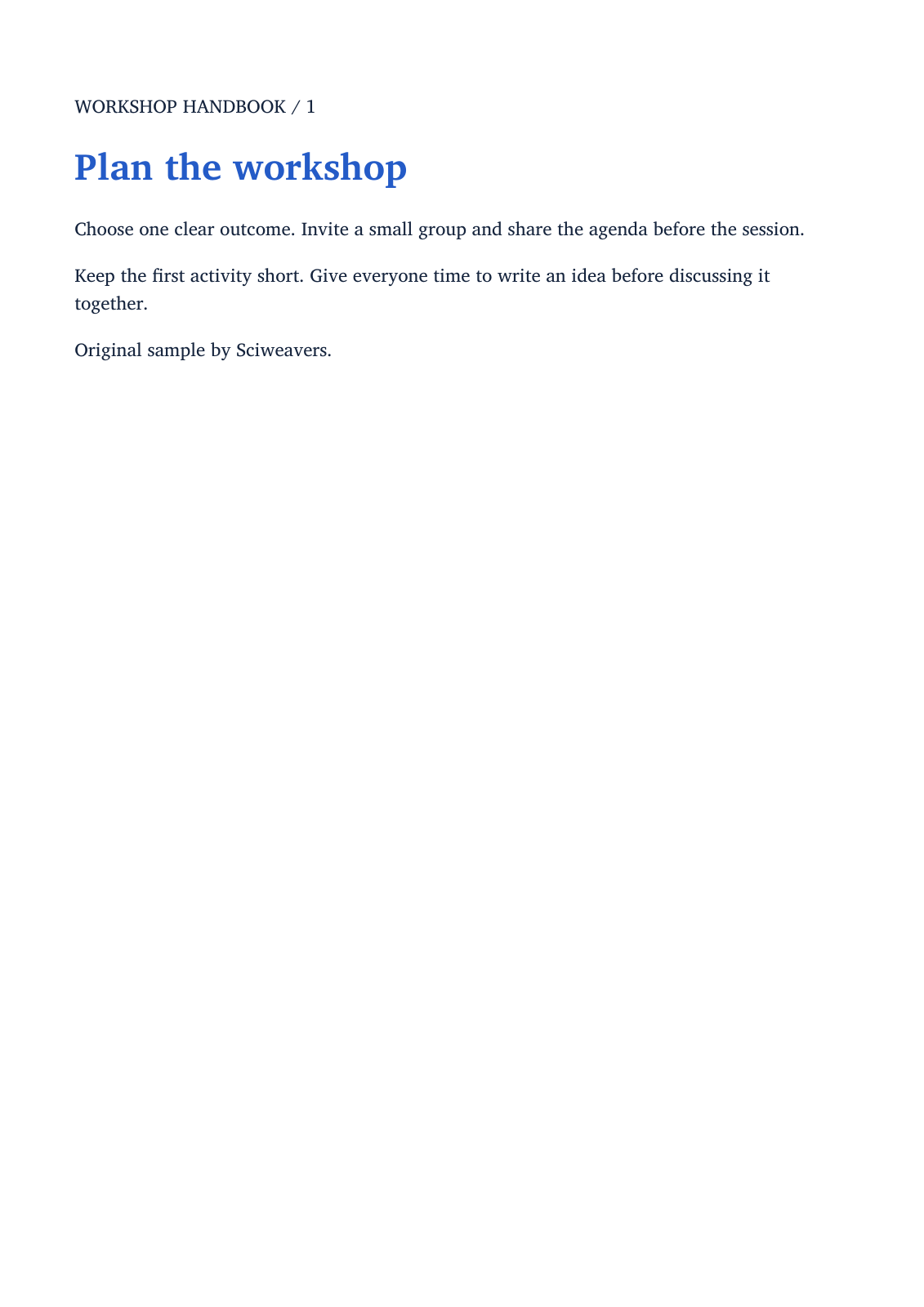

Open Ebook to PDF, choose your book and set the PDF page layout. Our example uses an original two-chapter EPUB workshop handbook and produces two A4 pages.
Choose the book
Add one supported book. The tool accepts EPUB and offers other ebook formats where their converters are available. This walkthrough verifies the EPUB path with a two-chapter handbook.
Keep the source book so you can compare chapter order, illustrations and special formatting with the converted PDF.
Choose the page and layout method
Choose A4 under Paper size and portrait orientation to reproduce the example. Enable Custom page size only when you need a specific width and height; those dimensions are entered in inches.
Keep Fast layout under Rendering engine for this EPUB example. Calibre is also offered when that converter is available. The dedicated EPUB to PDF tool provides additional EPUB layout choices.
Convert and review all chapters
Choose Start and download the PDF. Open it and check chapter order, headings, page breaks, images and small text. Our two chapters become two A4 pages.
A reflowable book adapts to the chosen page width, so its PDF page count may differ from what an ebook reader displayed. If the layout is unsuitable, adjust the paper or available layout option and compare the new output.
Common questions
Why does the PDF have a different number of pages from my reader?
A reflowable ebook has no single fixed page count. Reader width, font size and the chosen PDF paper size affect how much text fits on each page.
Can I use a custom paper size?
Yes. Enable Custom page size and enter width and height in inches. Review the result, especially illustrations, tables and long lines.
Try it with your document
Review the result, then save the version you need.