
Use PDF to Flipbook to create a browser reader with page-turn effects. Our four-page PDF becomes a downloadable ZIP containing the reader and four page images.
Choose the PDF and reader title
Add your PDF and review its page order. Enter a useful Document title; the source filename is used initially. This example includes all four pages of the sample document.
Organize the PDF before creating the book if pages need to move or be removed. The flipbook export includes the complete document.
Set the reading direction and effect
Under Reading direction, choose left to right or right to left to suit the document. The example uses left to right; the Arabic interface initially selects right to left, so choose explicitly when reproducing it.
Keep Paper curl under Page-turn style for the soft page effect, or choose Rigid turn. Review the reader and turn through the pages.
Download and open the complete package
Choose Create flipbook and download the ZIP. Extract its contents into one folder and open index.html in your browser. Keep viewer.js, viewer.css, book-data.js and the pages folder beside it.
To put the book on a website, host the complete extracted package together and link to its index.html. Test page turns, thumbnails, zoom and fullscreen from the hosted reader before sharing the link.
Common questions
Why do the before and after pages look alike?
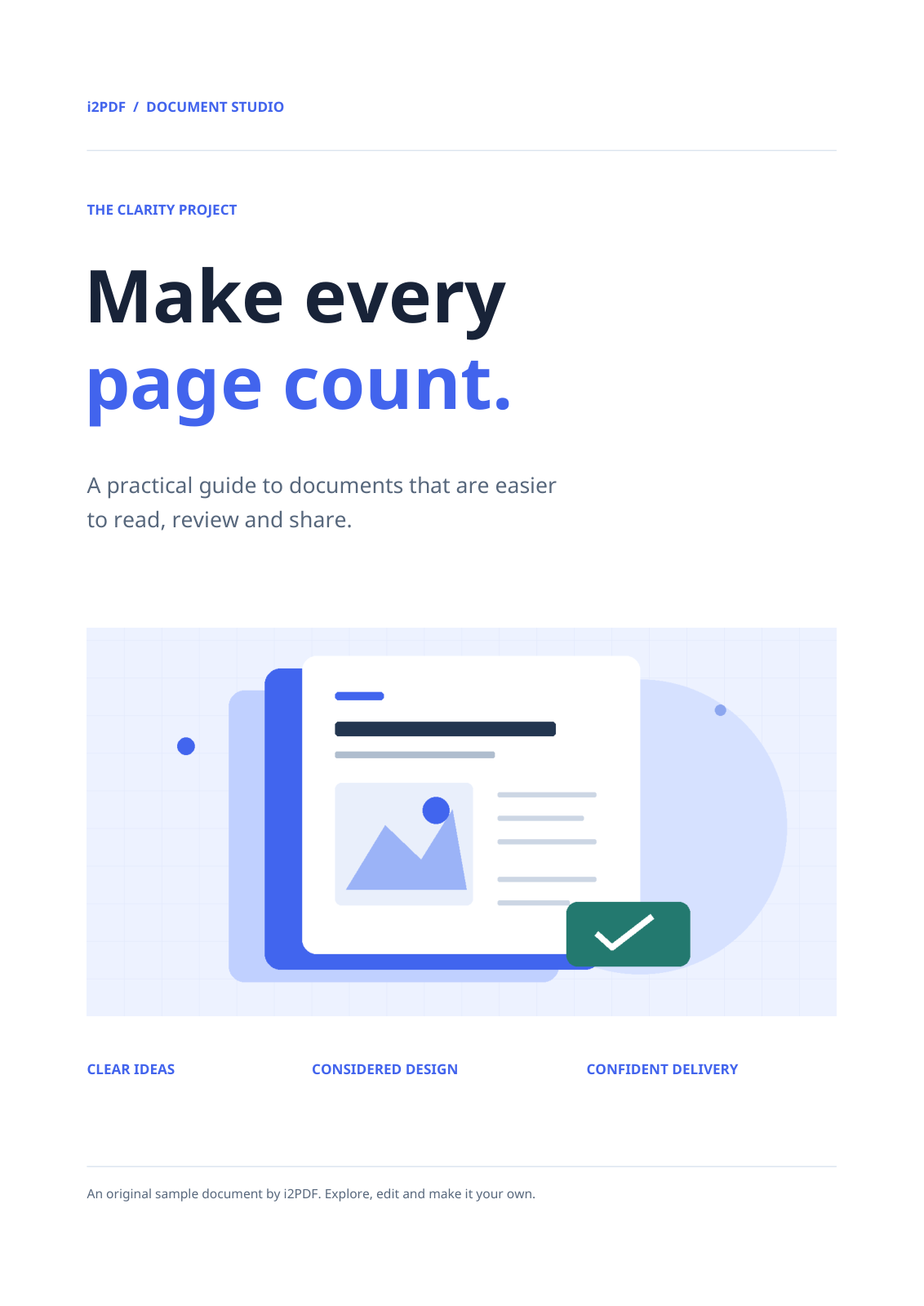
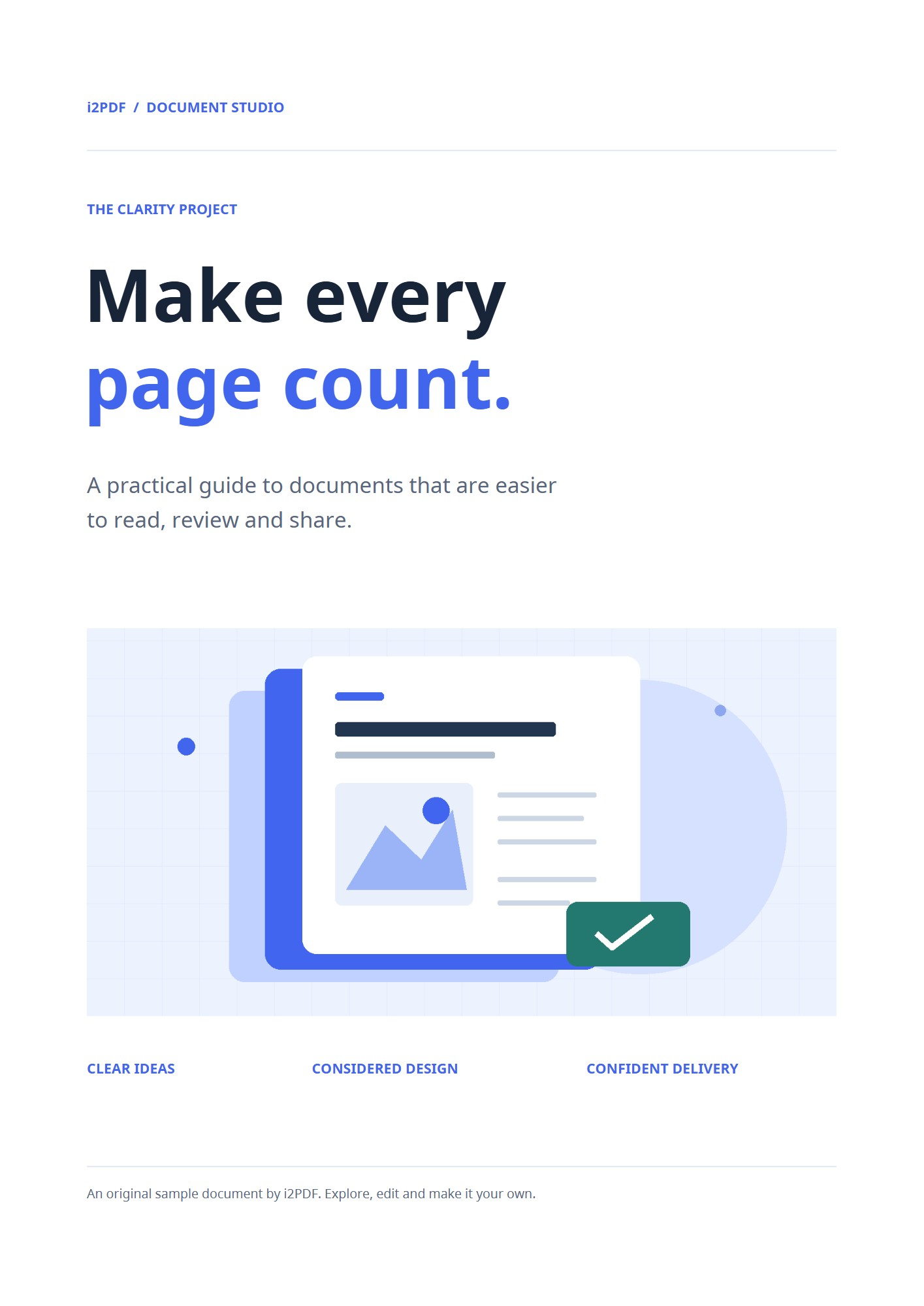
The page artwork is preserved as an image. The new feature is the interactive reader around those pages, including its page-turn animation.
Can I share only index.html?
The reader needs the accompanying scripts, styles, book data and page images. Share the ZIP or host the whole extracted package together.
Try it with your document
Review the result, then save the version you need.