
Open PDF to JSON to export page records, text blocks and drawing data. Our four-page PDF produces document.json plus one referenced PNG image inside ZIP.
Choose the PDF pages
Load the PDF and leave Pages blank for the whole document, or enter the subset you need. Our example includes all four pages.
Export and keep the assets together
Choose Start. An export with image assets downloads as ZIP. Extract the whole archive and keep the images directory beside document.json.
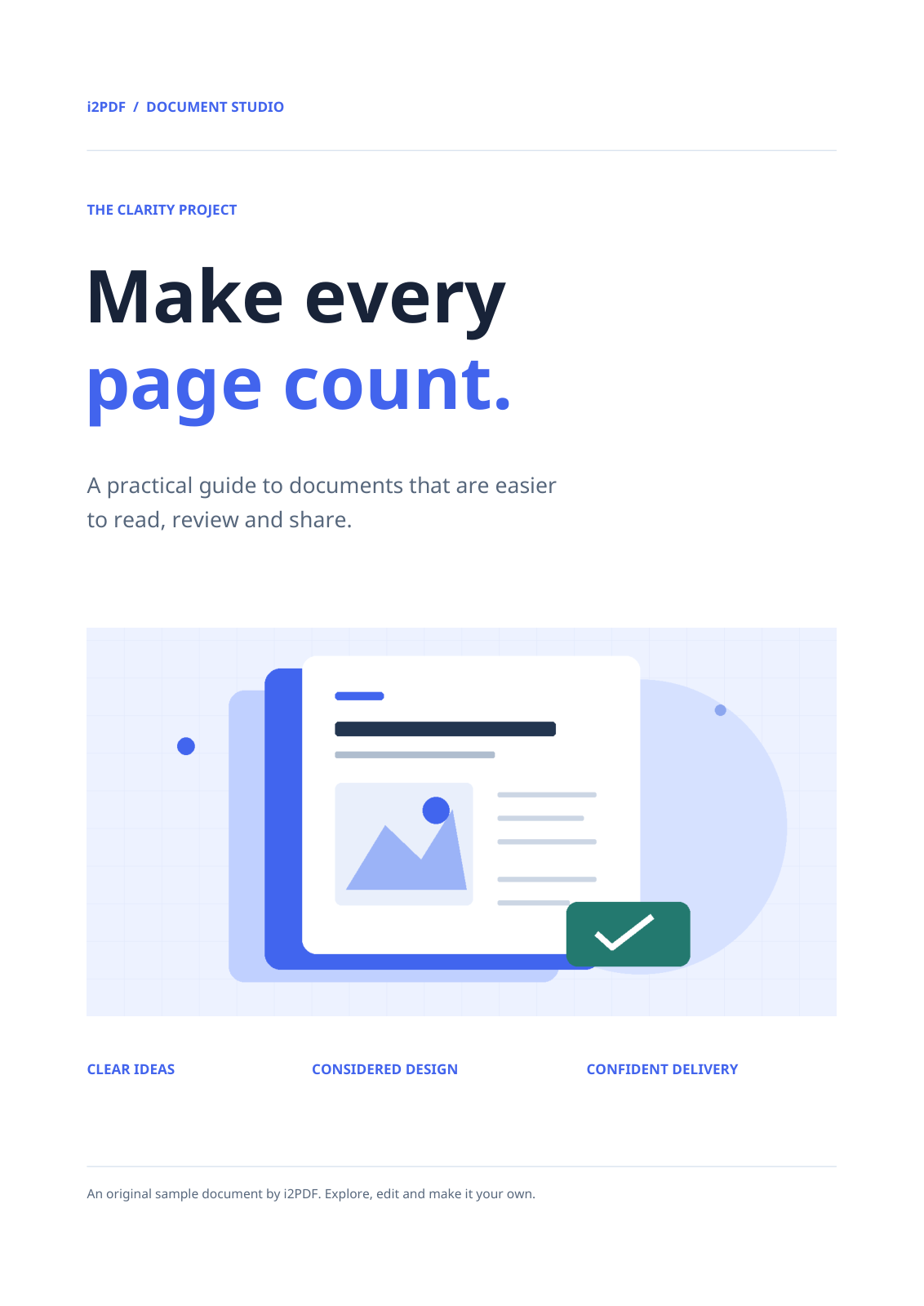
The sample includes images/page-001-image-005.png. Image references point to asset paths instead of embedding binary data in the JSON. An export without image assets can download directly as .json.
Read the document structure
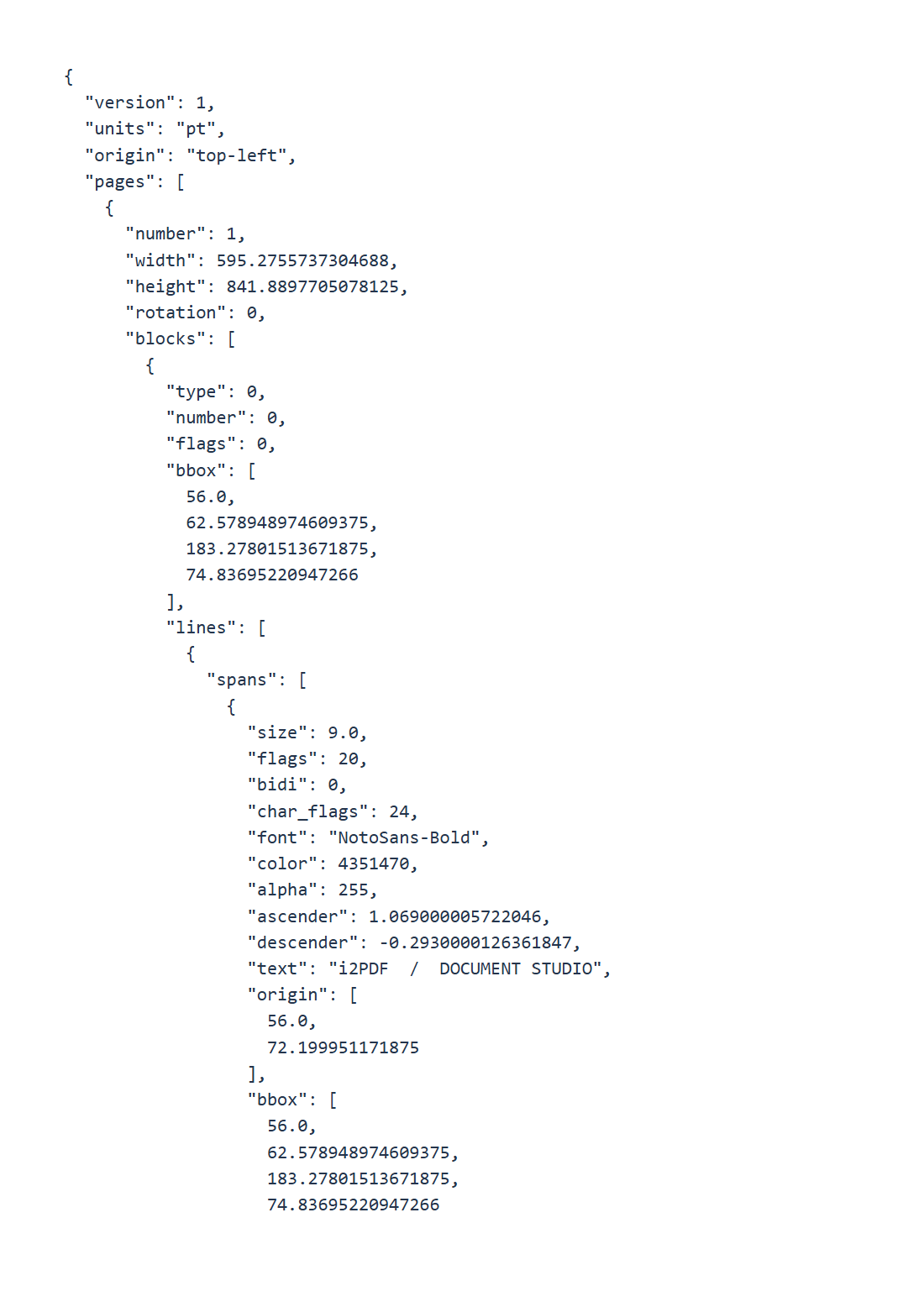
The sample declares version 1, units pt and a top-left origin. Page records include source page number, dimensions, rotation, blocks and drawings. Coordinates describe the unrotated page; account for rotation when overlaying the data.
Parse the JSON with a JSON parser. Inspect blocks, lines and spans for text and styling, and bbox values for geometry. Nested objects describe layout rather than a single text string.
Check reading order and image references against the original PDF before using the data in your processing workflow.
Common questions
Can I rebuild the original PDF exactly?
Do not assume exact round-trip reconstruction. The export describes available content and geometry, while PDF features and semantics can be more complex.
Why did I receive a ZIP?
The sample contains an image. ZIP keeps document.json and the referenced asset together so the image can be located.
Try it with your document
Review the result, then save the version you need.