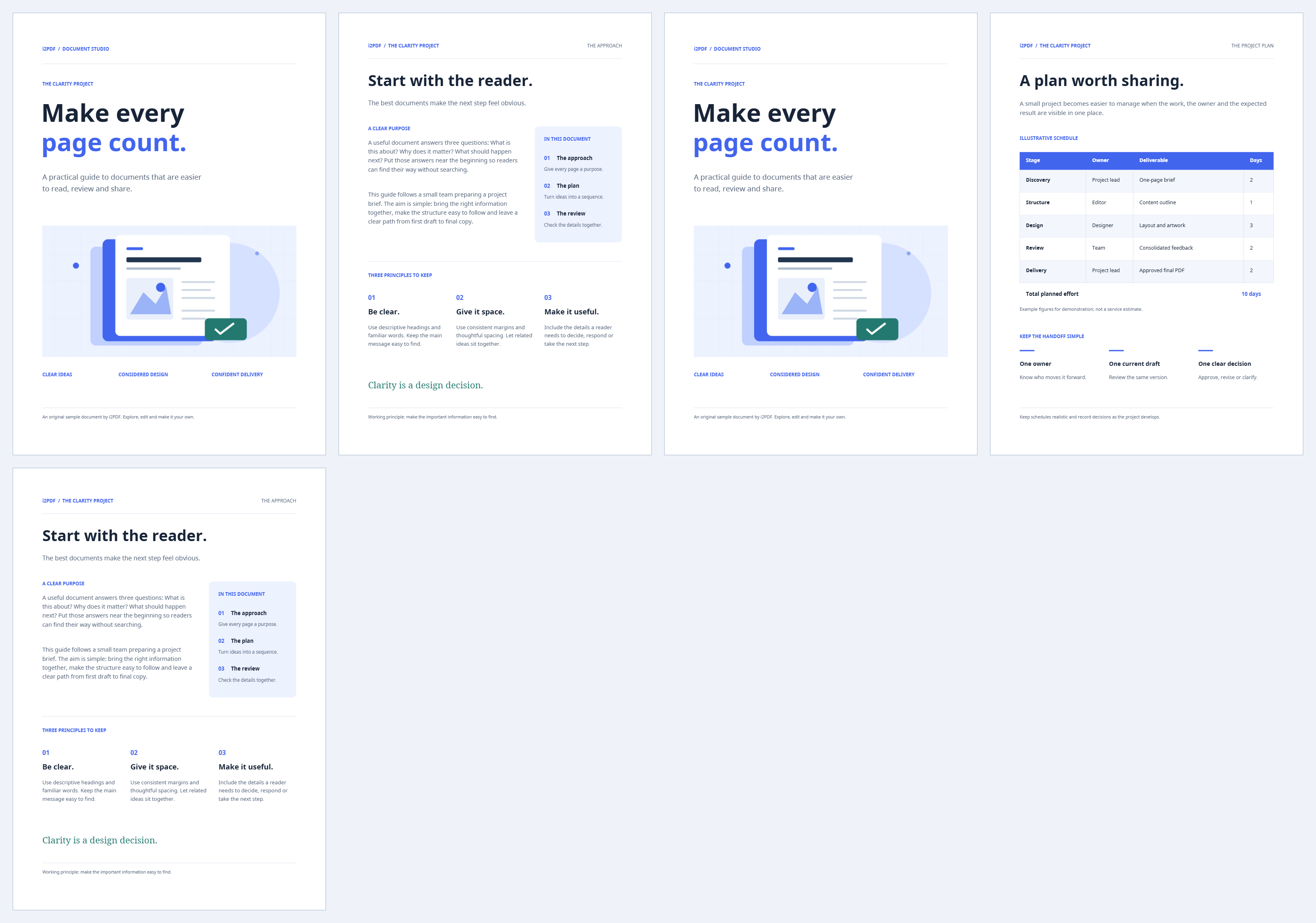
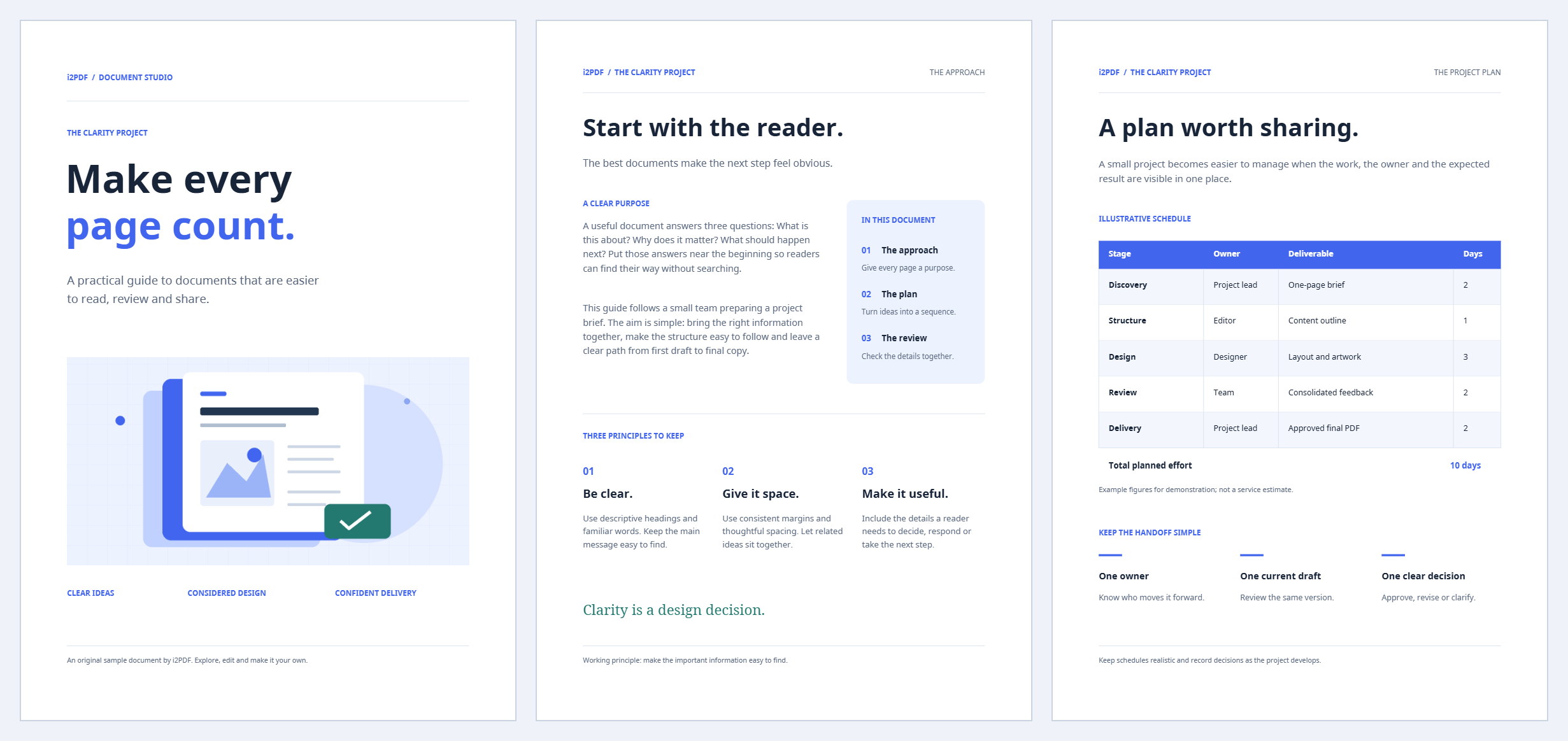

Use Remove Duplicate Pages from PDF to find repeated pages. The sample sequence A, B, A, C, B becomes A, B, C when the first copy is kept.
Load the document and find duplicates
Choose your PDF or try the sample, then use Find duplicates. Wait for the matching groups; detection compares page appearance, geometry and text, with a higher-resolution confirmation.
Choose the copy to keep
Keep First to retain the earliest page in each matching group. The sample keeps pages 1, 2 and 4, removing the repeated pages 3 and 5.
Review each group. Choose another member to keep if that position suits the document better, or keep additional copies when repetition is intentional. At least one page remains in each group.
Export and check the shorter PDF
Choose Start and download. Check that all distinct content remains and that the retained order makes sense. In our example, the output has three pages matching the first occurrence of A, B and C.
Common questions
Can it remove pages that only look similar?
It seeks confirmed duplicates, not approximate visual similarity. Review near-duplicates manually with Organize PDF if needed.
Does choosing the last copy change the content?
It changes which occurrence survives and therefore its position in the document. Check the remaining sequence after selecting First or Last.
Try it with your document
Review the result, then save the version you need.