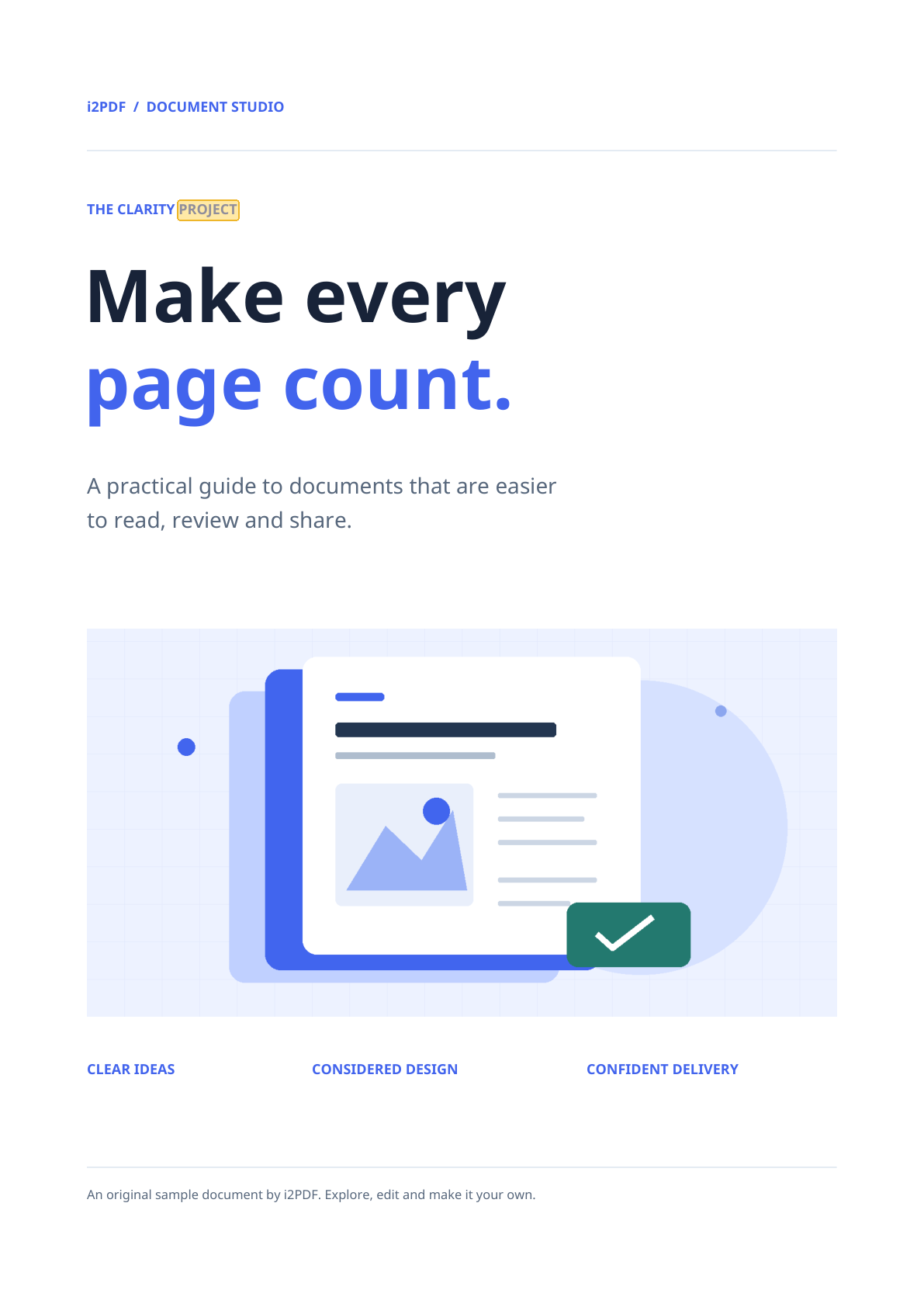
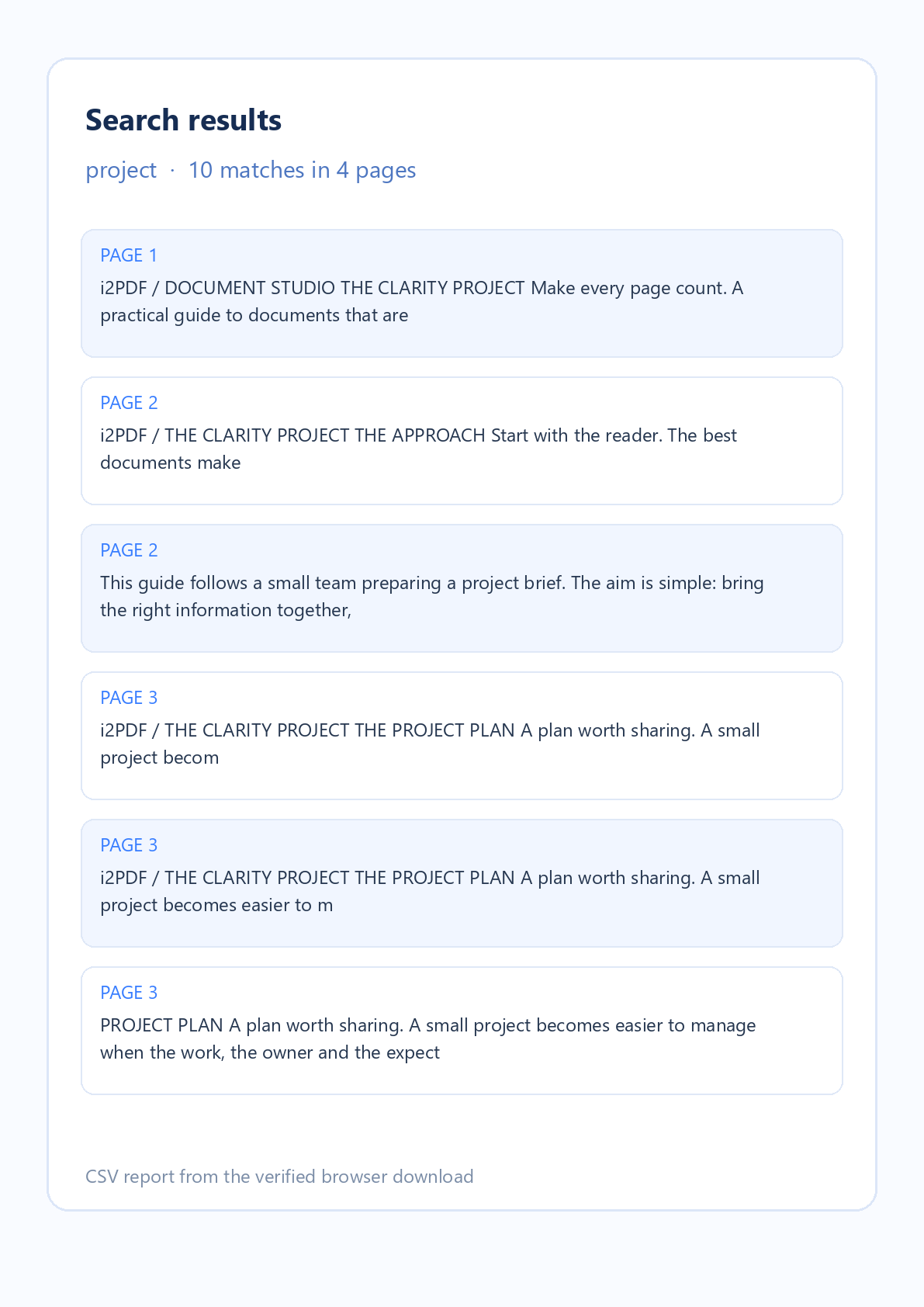

Open Search PDF when you need to locate a word or phrase in one document. The example above uses the actual four-page i2PDF sample and its downloaded CSV report. The search found 10 appearances of “project.”
Open one PDF
Choose a PDF or select Try sample. The preview opens with page thumbnails. Search PDF reads the file in your browser; the original document is not changed.
Search and inspect matches
Enter a word or phrase and select Search PDF. Results appear with page numbers and surrounding text. Select one to jump to its page; yellow highlights show approximate text positions in the preview.
Use Match case to distinguish capital letters and Whole words to exclude longer words containing your term. Change the options and search again to refresh the result list.
Download the result list
Select Download CSV report. The file has one row per match, including its page number and nearby text. Open it in a spreadsheet or text editor to keep page references for review.
Common questions
Does Search PDF change the document?
No. The PDF remains unchanged. The optional download is a separate CSV report with page references and text context.
Can I search multiple PDFs together?
This tool accepts one PDF at a time. Load another file after finishing the current search.
Are there result limits?
The tool shows up to 500 matches. It accepts one PDF up to 50 MiB and 750 pages. A narrower query helps when a common word reaches the limit.
Find the right page
Search your PDF, review each match in context, and keep the page list when you need it.