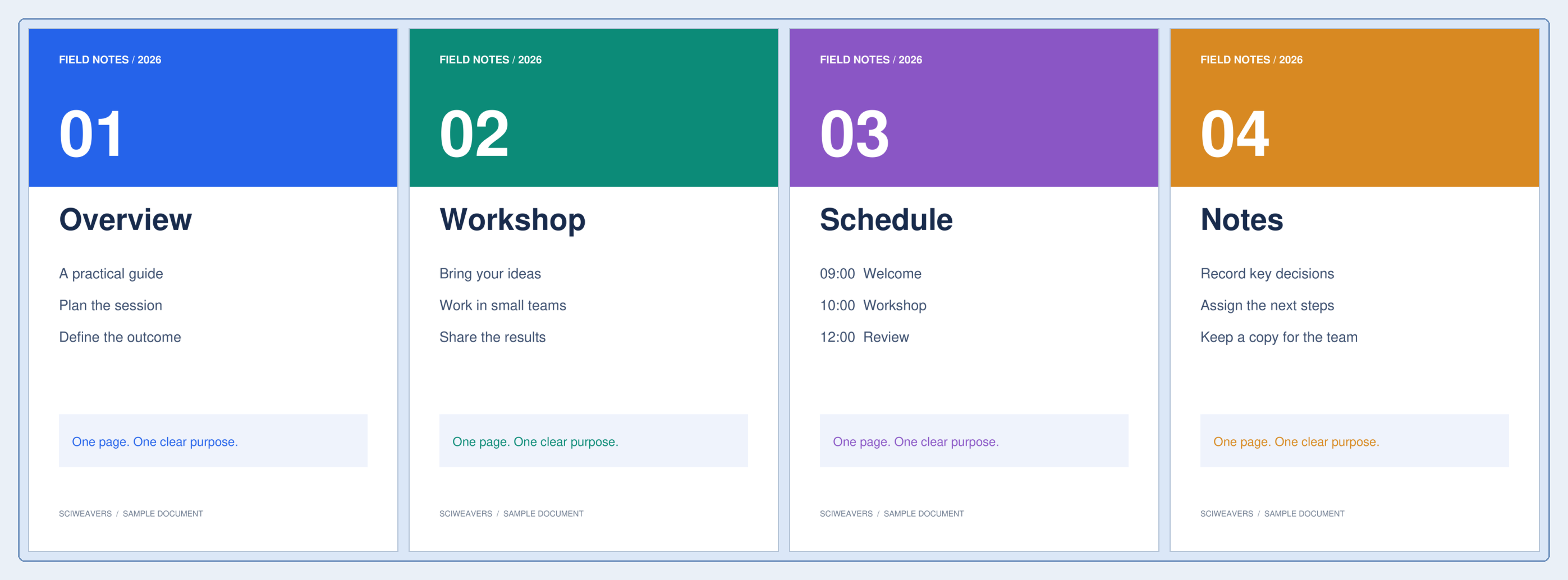
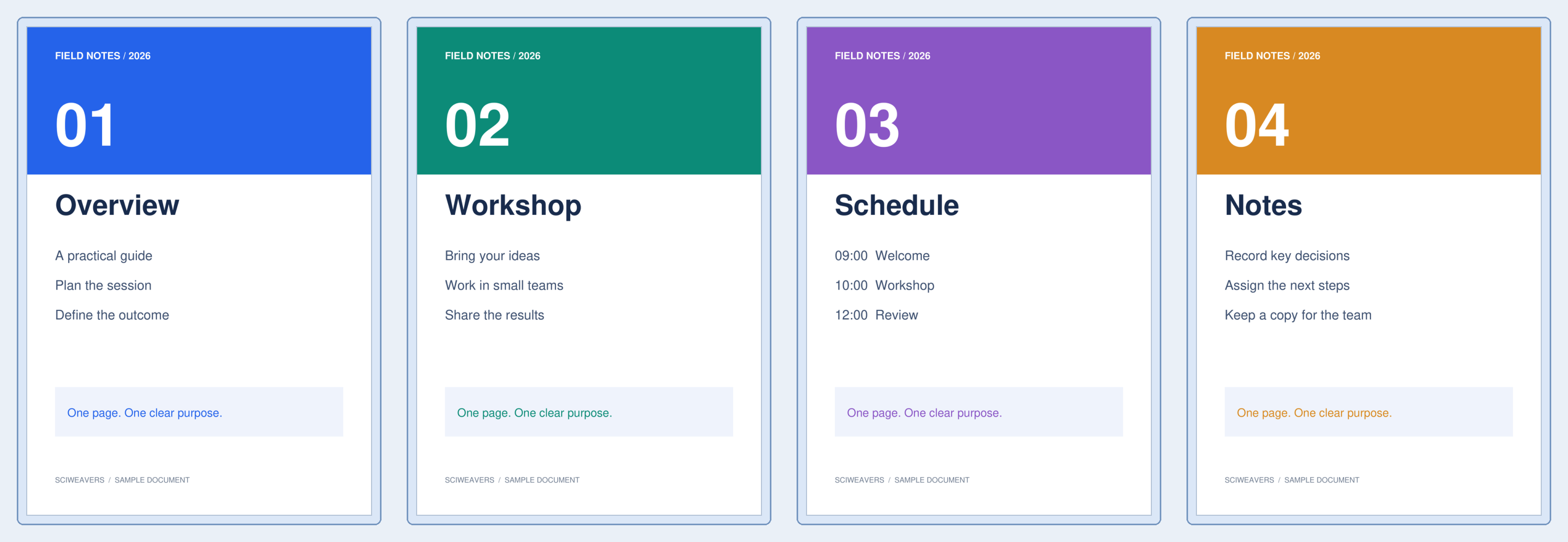

Use Split PDF by Size when each uploaded attachment must stay below a size limit. Our four-page scan is about 1.07 MB; a 0.4 MB target produces four PDFs, each below 280 KB.
Choose the PDF and the target
Load the PDF and check its page count. Set Maximum file size (MB) to the size each part should fit. The default is 5 MB; the example changes it to 0.4.
Split on page boundaries
Choose Start. The tool groups consecutive whole pages, checking the encoded size of each candidate output. It does not cut a page into pieces to meet the target.
Different pages can contain very different amounts of data. Our image-heavy example fits one page per part, whereas a text document may fit many pages in each part.
Inspect every downloaded part
Extract the ZIP and check the individual PDFs. The sample’s four files are 267,574, 265,850, 258,843 and 279,513 bytes. All meet the chosen target.
An individual page that cannot fit is still exported with oversized in its filename. Compress that page or use a larger allowed limit, then verify the resulting size.
Common questions
What happens if one page is larger than my limit?
The page is exported as an oversized part rather than being cut. Try Compress PDF or reduce large source images before splitting again.
Why are there different page counts in the parts?
The target is file size, not a fixed number of pages. Images, fonts and other resources make some pages more expensive to store than others.
Try it with your document
Review the result, then save the version you need.