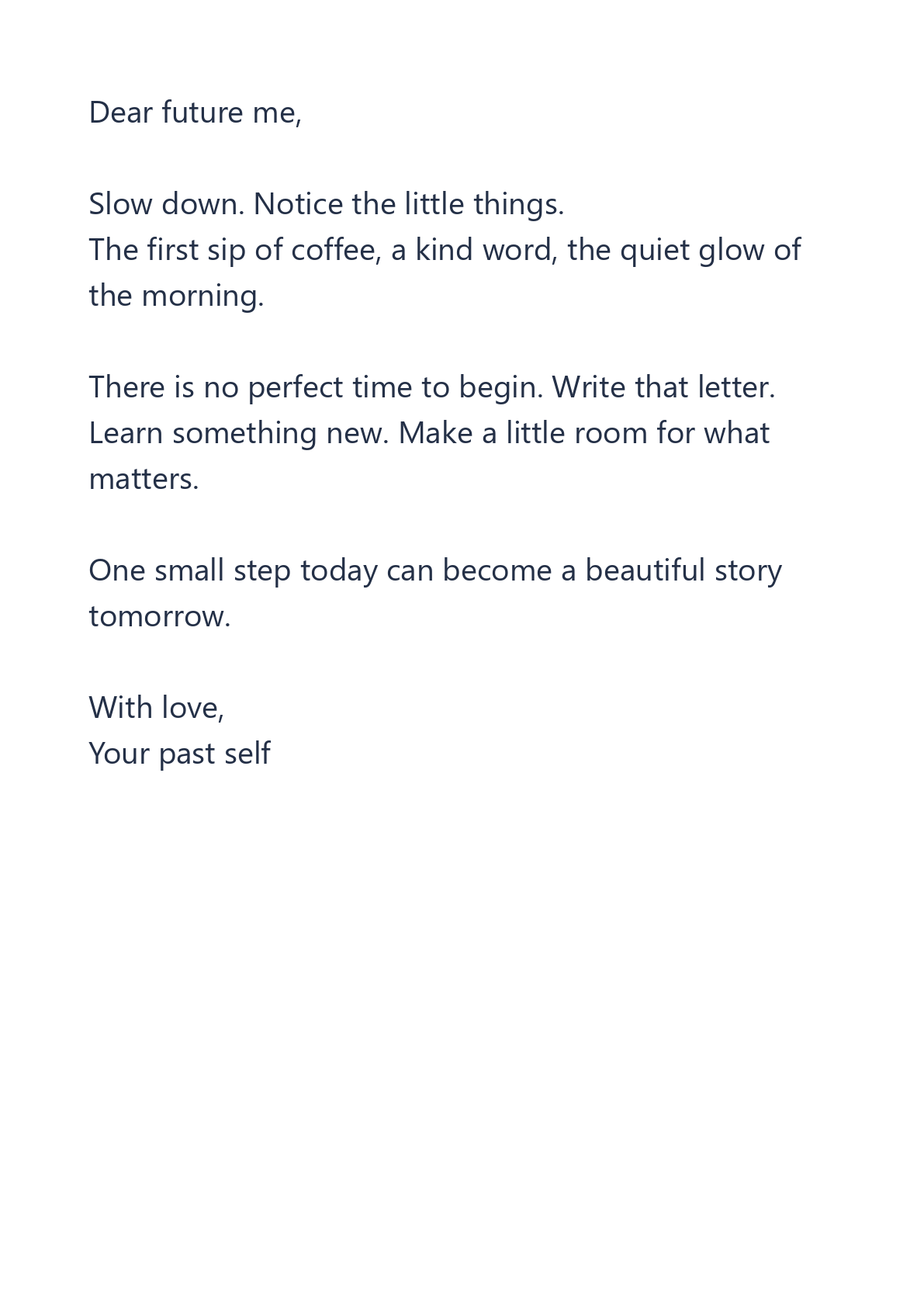
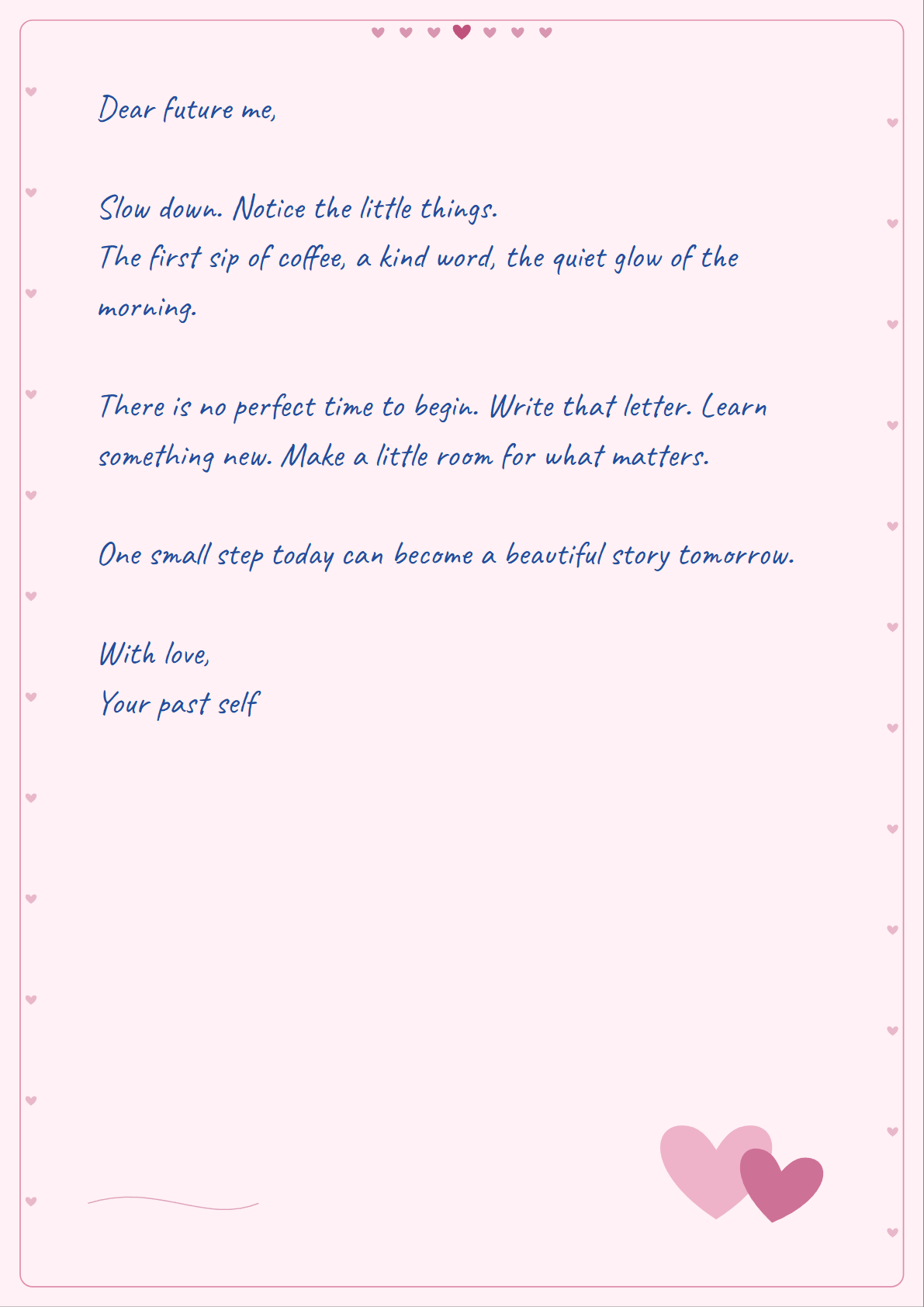

A handwritten style can make a short letter, invitation or study note feel more personal. This example uses the tool’s nonsensitive sample text and Hearts paper. The comparison shows the same words as typed text and as an actual downloaded PDF page.
Paste text or open a file
Open Text to Handwritten PDF and choose Paste text, or upload a TXT or Markdown file. You can also choose Try sample to follow this example.
Type or paste into the writing panel. The preview updates immediately. Markdown is read as plain text: headings and other Markdown marks are not converted into formatting.
Choose handwriting, paper and ink
Try Natural, Neat, Flowing or Playful to find a handwriting style that suits your text. For this example, keep Natural and choose Hearts paper with blue ink.
Blank, lined and grid paper are useful for notes. Cream, Letter and Blue add simple styling. Hearts, Roses and Love note are three different decorative designs for personal letters.
Review every page
Choose A4 or US Letter and adjust font size, margins and line spacing. Text wraps and moves onto the next page automatically. Use the page arrows to check that the layout reads well.
On a phone, open Settings to change the style while keeping the preview visible above the panel. Longer text, a larger font or wider margins can increase the number of pages.
Generate and download
Choose Create PDF & PNG to create the output. Select PDF or PNG on the result screen, then tap Download. The button downloads the active choice.
A single PNG downloads directly. Multiple PNG pages download as a ZIP with numbered image files. The PDF contains the same rendered pages as the PNG output, at the chosen paper size.
Common questions
Does my text leave my device?
No. This tool previews and generates your pages inside your browser. Keep a separate copy of your source text; closing the page can discard your work.
What are the limits?
A text file can be up to 1 MiB. Text is limited to 30,000 characters, output to 40 pages and generated files to 80 MiB. Smaller documents are easier to export on a phone.
Can I edit the PDF text later?
The PDF is image-based. To change the words, return to the writing panel and generate a new output, or reopen your saved source text.
Give your words a handwritten look.
Try the sample or bring your own text.