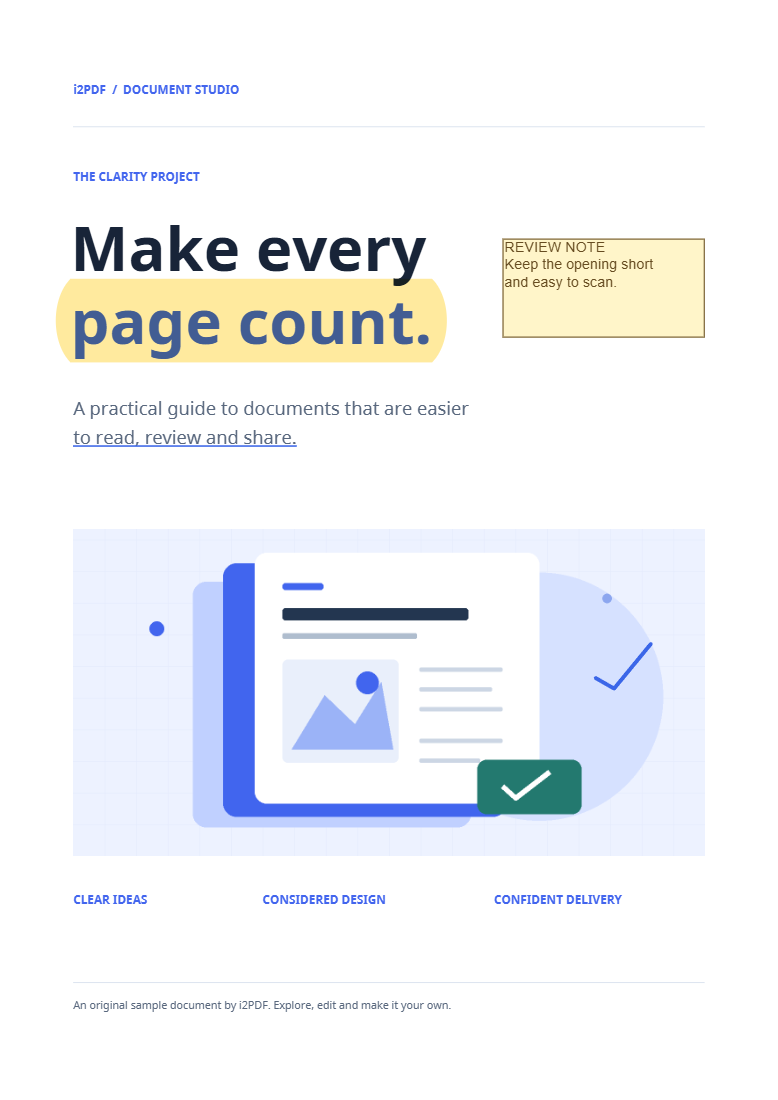

Open Remove Annotations from PDF to clear review annotations across a document. The example removes the sample’s markup while leaving the optional link-removal setting off.
Open the marked-up PDF
Choose the document or try the sample. Comments, highlights, drawings and stamps stored as annotations can be removed. Marks already flattened into page artwork are part of the page content.
Compare the original and cleaned views
Switch between the original and cleaned previews. Keep Remove clickable links too off to preserve link annotations, as in our example. Enable it only when the cleaned file should lose those clickable areas.
Review several pages, especially ones with different kinds of markup. This operation affects the document rather than a selected comment.
Save the clean copy
Choose Start and download. Open the result and verify that review markup has disappeared. Our output still has four pages.
Form widgets are retained by this tool. If your aim is a fixed, noninteractive form copy, use Flatten PDF instead.
Common questions
Will it remove filled form answers?
No. Form widget annotations are excluded from this cleanup. Review the form separately if it contains information you do not want to share.
Can I save the comments before removing them?
Yes. Use Export PDF Annotations first to keep a separate review record.
Try it with your document
Review the result, then save the version you need.